
Wi-Fi calling: Benefits, risks, and what operators need to know
Wi-Fi calling, or Voice over Wi-Fi (VoWiFi), allows users to make calls and send texts over a Wi-Fi connection instead of a cellular network. While it improves call quality and coverage in dead zones, it also introduces risks like security vulnerabilities, unreliable handover to cellular networks, and challenges during emergency calls.

Editor, Lazyfounder
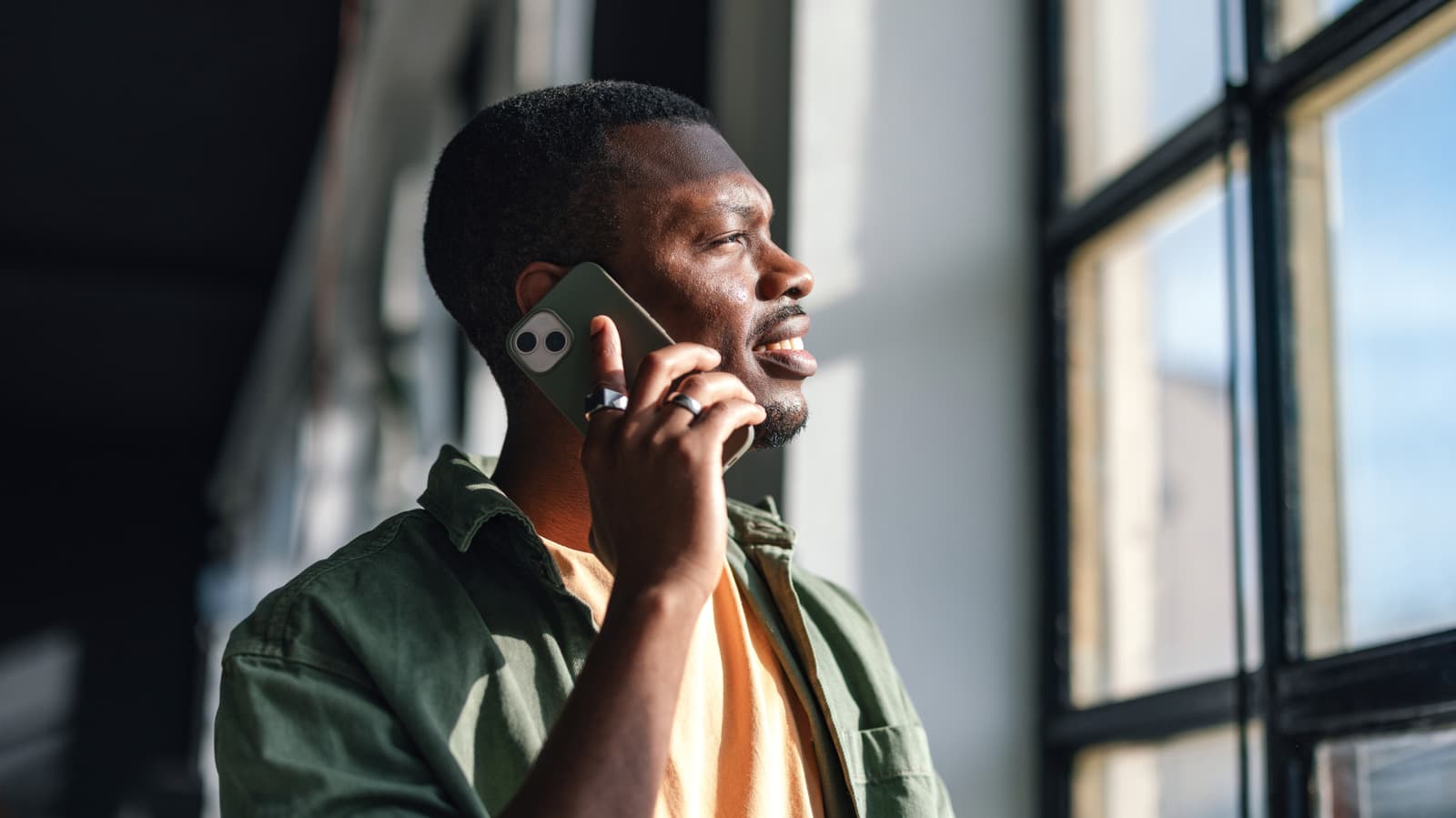
Wi-Fi calling, or Voice over Wi-Fi (VoWiFi), allows users to make calls and send texts over a Wi-Fi connection instead of a cellular network. While it improves call quality and coverage in dead zones, it also introduces risks like security vulnerabilities, unreliable handover to cellular networks, and challenges during emergency calls.
30 SEC SUMMARY
- Wi-Fi calling (VoWiFi) routes calls and texts over Wi-Fi, improving call quality and coverage in areas with weak or no cellular signal.
- Poor Wi-Fi networks can cause choppy audio, lag, or dropped calls, and seamless handover to cellular networks isn’t always reliable.
- Emergency calls via Wi-Fi are only used when no cellular network is available, and location tracking may be less accurate.
- Security risks exist, including vulnerabilities found in a 2024 study affecting 140 million customers.
- Setup varies by device, with most carriers offering the feature at no extra cost.
TABLE OF CONTENTS
- How Wi-Fi calling works
- Benefits of Wi-Fi calling
- Limitations and risks
- Background
- What this means
- Key takeaways
- FAQ
- Sources
KEY HIGHLIGHTS
- Wi-Fi calling routes calls and texts over Wi-Fi, improving quality and coverage in cellular dead zones.
- Poor Wi-Fi networks can cause choppy audio, lag, or dropped calls, and handover to cellular networks may fail.
- Emergency calls via Wi-Fi are only used when no cellular signal is available, and location tracking may be unreliable.
- A 2024 study revealed security vulnerabilities affecting 140 million Wi-Fi calling customers.
- Most carriers offer Wi-Fi calling at no extra cost, but setup varies by device and carrier.
How Wi-Fi calling works
Wi-Fi calling, also known as Voice over Wi-Fi (VoWiFi), allows calls and texts to be routed over a Wi-Fi connection instead of a cellular network. According to Engadget, this is done through an IPsec tunnel and an evolved Packet Data Gateway (ePDG) connection to the carrier’s network. The feature is designed to improve call quality, particularly in areas with weak or no cellular coverage, such as buildings with metallic coatings, thick concrete walls, or other structural barriers.
Unlike traditional cellular calls, Wi-Fi calling avoids obstructions and tower congestion, which can degrade call quality. The feature is seamless, requiring no additional apps or changes for contacts, and most carriers do not charge extra for it. However, both devices in a call do not need to have Wi-Fi calling enabled for it to function.
Benefits of Wi-Fi calling
Wi-Fi calling offers several advantages, particularly for users in areas with poor cellular coverage. According to Engadget, it provides better sound quality by bypassing cellular obstructions and congestion, making it a reliable alternative in dead zones. The feature is also easy to enable—on iPhones, it can be activated via Settings > Cellular > Wi-Fi Calling, while Samsung phones require Settings > Connections > Wi-Fi Calling. Google Pixel and some Android devices enable it through Settings > Network & internet > SIMs > Operator SIM > Wi-Fi calling.
For operators, Wi-Fi calling can reduce the need for additional cellular infrastructure, lowering costs while improving customer satisfaction. The feature integrates smoothly with existing networks, requiring no extra steps for callers or recipients.
Limitations and risks
Wi-Fi calling’s performance depends heavily on the quality of the Wi-Fi network. Engadget reports that congested or weak networks can cause choppy audio, lag, or even dropped calls. T-Mobile, for example, requires a minimum of 2 Mbps upload and download speeds for the feature to work, and it does not support Wi-Fi calling over satellite internet or phone hotspots.
Another critical limitation is the reliability of handover to cellular networks. While Wi-Fi calling is designed to switch seamlessly to cellular when Wi-Fi signal is lost, this transition isn’t always smooth. Engadget notes that Voice over LTE (VoLTE) must be enabled for seamless handover, and even then, failures can occur.
Emergency calls add another layer of risk. According to Engadget, 911 calls are only routed over Wi-Fi when no cellular network is available, and if the Wi-Fi signal cuts out, the call may drop without handover to cellular. Additionally, Wi-Fi calling does not provide the same level of location accuracy as cellular calls, which can delay emergency response times.
Security is also a concern. Wi-Fi calls travel over the internet and can be vulnerable to interception on public networks. While carriers use encrypted tunnels to protect calls, a 2024 study by CISPA revealed vulnerabilities affecting 140 million customers, highlighting the need for robust implementation by carriers and device manufacturers.
Background
Wi-Fi calling has become a standard feature for major carriers and smartphone manufacturers, offering an alternative to traditional cellular calls. Its adoption has grown alongside the expansion of Wi-Fi networks in homes, offices, and public spaces. However, its reliance on internet connectivity introduces variability in performance and security, unlike the more controlled environment of cellular networks.
The feature is part of a broader shift toward IP-based communication, which includes technologies like VoLTE (Voice over LTE). VoLTE is often required for seamless transitions between Wi-Fi and cellular networks, ensuring continuity during calls.
What this means
Lazyfounder analysis — our interpretation, not reported fact.
For founders and operators in the mobile ecosystem—whether building apps, IoT devices, or telecom-adjacent services—Wi-Fi calling is a double-edged sword. On one hand, it fills critical coverage gaps, reduces churn for carriers, and improves user experience without requiring new hardware. On the other, its reliance on external Wi-Fi networks and potential security vulnerabilities means it can’t be treated as a foolproof solution.
Startups integrating voice or messaging features should test Wi-Fi calling under real-world conditions, including congested networks and emergency scenarios. Operators should also weigh the trade-offs: while Wi-Fi calling can reduce infrastructure costs, it introduces variability in call quality and security risks that may require additional safeguards. For products targeting enterprise or high-security use cases, these limitations could be dealbreakers.
Key takeaways
- Wi-Fi calling improves call quality and coverage but depends heavily on Wi-Fi network stability.
- Seamless handover to cellular networks isn’t guaranteed, especially without VoLTE enabled.
- Emergency services may struggle to locate users during Wi-Fi calls, posing safety risks.
- Security vulnerabilities in Wi-Fi calling affect millions, requiring carrier and device-level fixes.
- Most carriers offer Wi-Fi calling at no extra cost, but setup processes vary by device.
FAQ
Do both parties need Wi-Fi calling enabled for it to work?
No. According to Engadget, only the caller’s device needs Wi-Fi calling enabled for the feature to function. The recipient does not need to have it turned on.
Can Wi-Fi calling be used during emergencies?
Emergency calls (911) are routed over Wi-Fi only when no cellular network is available. However, if the Wi-Fi signal cuts out during the call, handover to cellular may fail, and location tracking may be less accurate than with cellular calls.
What are the security risks of Wi-Fi calling?
Wi-Fi calling travels over the internet and can be vulnerable to interception, especially on public networks. While carriers use encrypted tunnels to protect calls, a 2024 CISPA study identified vulnerabilities affecting 140 million customers.
How do I enable Wi-Fi calling on my phone?
Setup varies by device. On iPhones, go to Settings > Cellular > Wi-Fi Calling. On Samsung phones, enable it via Settings > Connections > Wi-Fi Calling. For Google Pixel and some Android devices, navigate to Settings > Network & internet > SIMs > Operator SIM > Wi-Fi calling.
Does Wi-Fi calling work with satellite internet or hotspots?
According to Engadget, T-Mobile does not support Wi-Fi calling over satellite internet or phone hotspots.
Related on Lazyfounder
Sources
- Engadget · 2026-10-04
The Pros And Cons Of Enabling Wi-Fi Calling
This story is an original summary drafted with AI by Lazyfounder from the reporting listed above and checked by automated validation. Facts are attributed to their original publishers; sections marked as analysis are Lazyfounder's. Where a source is in another language, facts were machine-translated and quotations are reported, not reproduced. Read the original coverage via the links, and see our AI policy and corrections policy.

About the author
Editor, Lazyfounder
Tarun Mottlia edits LazyFounders, covering Indian startups, funding rounds, AI and product launches. Every story on the site is AI-assisted and checked against its cited sources before publication.
More stories by Tarun MottliaGet the LazyFounder Brief
Startup, funding and AI news in a five-minute read. Join the early-access list.
