
Syncing your phone to a rental car via Bluetooth risks exposing personal data
Experts are warning that syncing a phone to a rental car via Bluetooth can expose personal data like contacts, navigation history, and account log-ins to subsequent drivers. Rental companies like Avis advise customers to unpair devices and remove their data before returning the vehicle to avoid privacy risks.

Editor, Lazyfounder
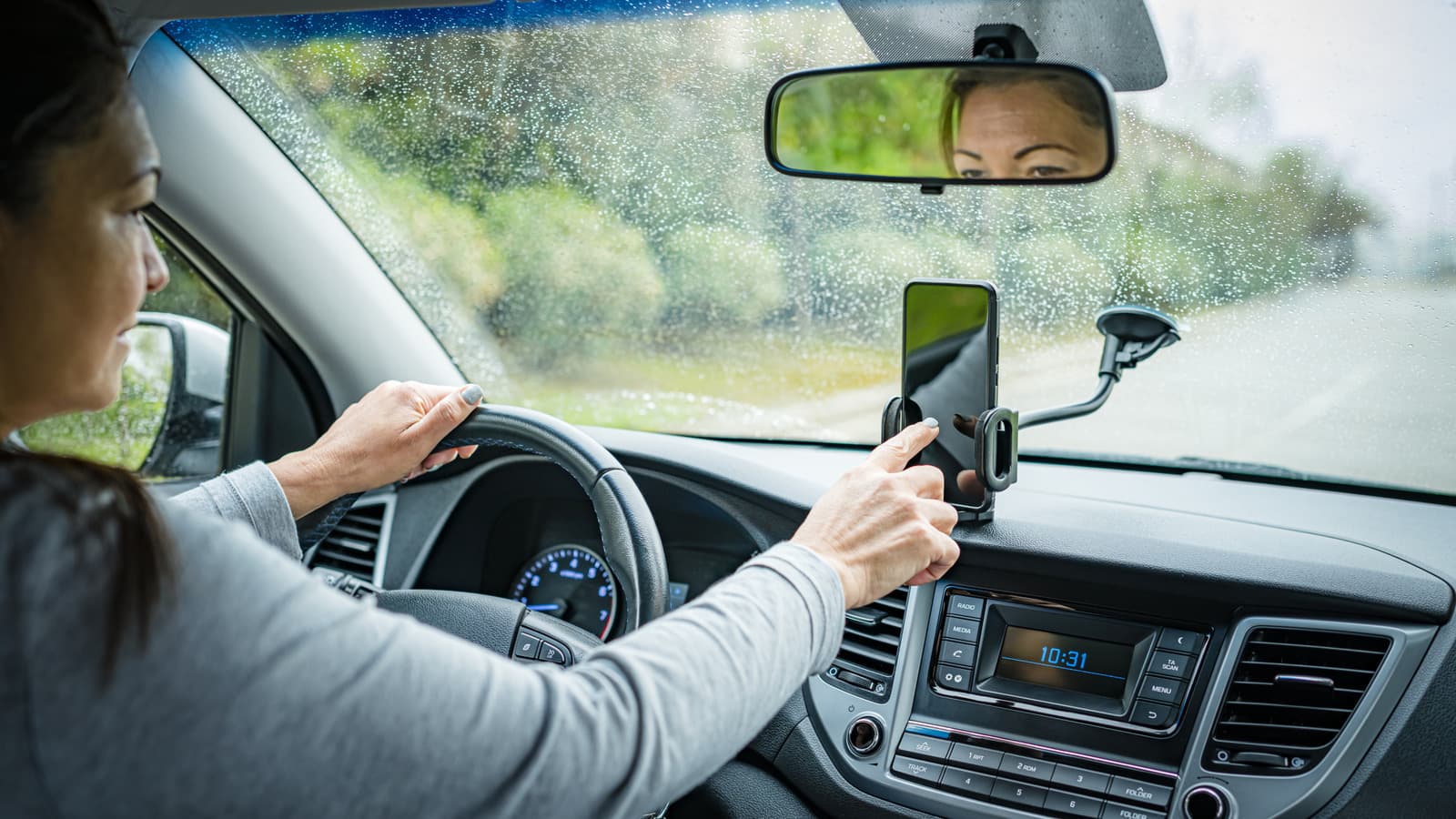
Experts are warning that syncing a phone to a rental car via Bluetooth can expose personal data like contacts, navigation history, and account log-ins to subsequent drivers. Rental companies like Avis advise customers to unpair devices and remove their data before returning the vehicle to avoid privacy risks.
30 SEC SUMMARY
- Syncing a phone to a rental car via Bluetooth can expose personal data like contacts, navigation history, and account log-ins to subsequent drivers.
- Using USB connections for Apple CarPlay or Android Auto is safer due to encryption compared to Bluetooth.
- Rental companies like Avis warn customers they are responsible for data transmitted via their vehicles.
- Experts recommend unpairing devices, deleting navigation history, and performing a factory reset before returning a rental car.
- The Federal Communications Commission advises deleting phone history from rental car systems to enhance security.
TABLE OF CONTENTS
- What happens when you sync your phone to a rental car
- Why Bluetooth is riskier than USB
- Rental companies’ policies on data privacy
- How to protect your data before returning a rental car
- What this means
- Key takeaways
- FAQ
- Sources
KEY HIGHLIGHTS
- Syncing a phone to a rental car’s Bluetooth can expose personal data like contacts, navigation history, and account log-ins to subsequent drivers.
- USB connections for Apple CarPlay or Android Auto are safer than Bluetooth due to encryption.
- Rental companies like Avis warn customers they are responsible for data transmitted via their vehicles.
- Experts recommend unpairing devices, deleting navigation history, and performing a factory reset before returning a rental car.
- The Federal Communications Commission advises deleting phone history from rental car systems to enhance security.
What happens when you sync your phone to a rental car
According to Engadget, linking a phone to a rental car’s Bluetooth system can expose personal information such as contacts, navigation history, and log-ins for music or streaming accounts. This data may remain accessible to subsequent drivers even after the car is returned.
GPS and navigation history stored in the car’s system can reveal sensitive details like home addresses, work locations, or frequently visited places. In one case reported by Engadget, a Baltimore man tracked down teens who stole his car in 2015 using a phone synced to the vehicle’s system, which contained a name matching a public Instagram handle.
Why Bluetooth is riskier than USB
Engadget highlights that Bluetooth connections are less secure than using a USB cable to access Apple CarPlay or Android Auto. USB connections encrypt the data transmitted, reducing the risk of exposure. Bluetooth, on the other hand, can leave data vulnerable if not properly unpaired or deleted.
Rental companies’ policies on data privacy
Rental companies like Avis place the responsibility for data privacy on customers. According to Engadget, Avis’ policy states that drivers are accountable for any data transmitted while using the vehicle. The company also warns that connected cars may automatically send data to the manufacturer, and information stored in the infotainment system could remain indefinitely unless manually deleted.
How to protect your data before returning a rental car
Experts recommend several steps to minimize data exposure when returning a rental car. First, unpair the device from the car’s Bluetooth system and remove the vehicle from the phone’s paired devices list. Next, delete any saved addresses or navigation history from the car’s system, even if the phone was not connected. Many rental cars also offer a factory reset option, which can wipe stored data entirely.
The Federal Communications Commission advises deleting phone history from the rental car’s system to enhance security.
What this means
Lazyfounder analysis — our interpretation, not reported fact.
This story highlights a often-overlooked privacy risk for travelers and business operators who frequently rely on rental cars. While Bluetooth connectivity offers convenience, it’s clear that many users—and even some rental companies—may not fully grasp how much personal data can linger in a vehicle’s infotainment system. For founders and operators, this serves as a reminder that consumer-facing products, especially those involving connectivity, must prioritize data privacy by design.
The advice to perform a factory reset or manually delete data before returning a rental car is a simple but critical step. However, it also raises questions about who should ultimately bear responsibility for data protection: the user, the rental company, or the car manufacturer? Until clearer regulations or industry standards emerge, the burden falls on individual users to safeguard their information. This gap presents an opportunity for startups to develop solutions—like automated data-wiping tools or privacy-focused rental services—that address this unmet need.
Key takeaways
- Syncing a phone to a rental car’s Bluetooth can expose sensitive personal data, including contacts, navigation history, and account log-ins.
- Bluetooth connections are less secure than USB connections for Apple CarPlay or Android Auto due to encryption.
- Rental companies like Avis hold customers responsible for data transmitted via their vehicles.
- Unpairing devices, deleting navigation history, and performing a factory reset are recommended before returning a rental car.
- The Federal Communications Commission advises deleting phone history from rental car systems to enhance security.
FAQ
What personal data can be exposed when syncing a phone to a rental car?
Syncing a phone to a rental car’s Bluetooth system can expose contacts, navigation history, music or streaming account log-ins, and other sensitive information. GPS data may also reveal frequently visited locations like home or work addresses.
Is using USB safer than Bluetooth for connecting to a rental car?
Yes. According to experts, using a USB connection to access Apple CarPlay or Android Auto is safer because the data transmitted is encrypted, reducing the risk of exposure compared to Bluetooth.
Who is responsible for data privacy when renting a car?
Rental companies like Avis hold customers responsible for any data transmitted via their vehicles. Their policies state that drivers must ensure their information is deleted before returning the car.
How can I protect my data before returning a rental car?
To protect your data, unpair your phone from the car’s Bluetooth system, delete any saved addresses or navigation history, and perform a factory reset if available. The Federal Communications Commission also advises deleting phone history from the rental car’s system.
Related on Lazyfounder
Sources
- Engadget · 2026-10-04
Why You Shouldn't Sync Your Phone To A Rental Car
This story is an original summary drafted with AI by Lazyfounder from the reporting listed above and checked by automated validation. Facts are attributed to their original publishers; sections marked as analysis are Lazyfounder's. Where a source is in another language, facts were machine-translated and quotations are reported, not reproduced. Read the original coverage via the links, and see our AI policy and corrections policy.

About the author
Editor, Lazyfounder
Tarun Mottlia edits LazyFounders, covering Indian startups, funding rounds, AI and product launches. Every story on the site is AI-assisted and checked against its cited sources before publication.
More stories by Tarun MottliaGet the LazyFounder Brief
Startup, funding and AI news in a five-minute read. Join the early-access list.
