
Mozilla Launches Redesigned Firefox with Compact Mode
Mozilla has unveiled a major redesign of its Firefox browser, now rolling out across desktop and mobile platforms. The update introduces modernized themes, icons, and colors, along with the return of compact mode and improved privacy settings. The redesign aims to balance aesthetics, accessibility, and performance while incorporating feedback from early testers.

Editor, Lazyfounder
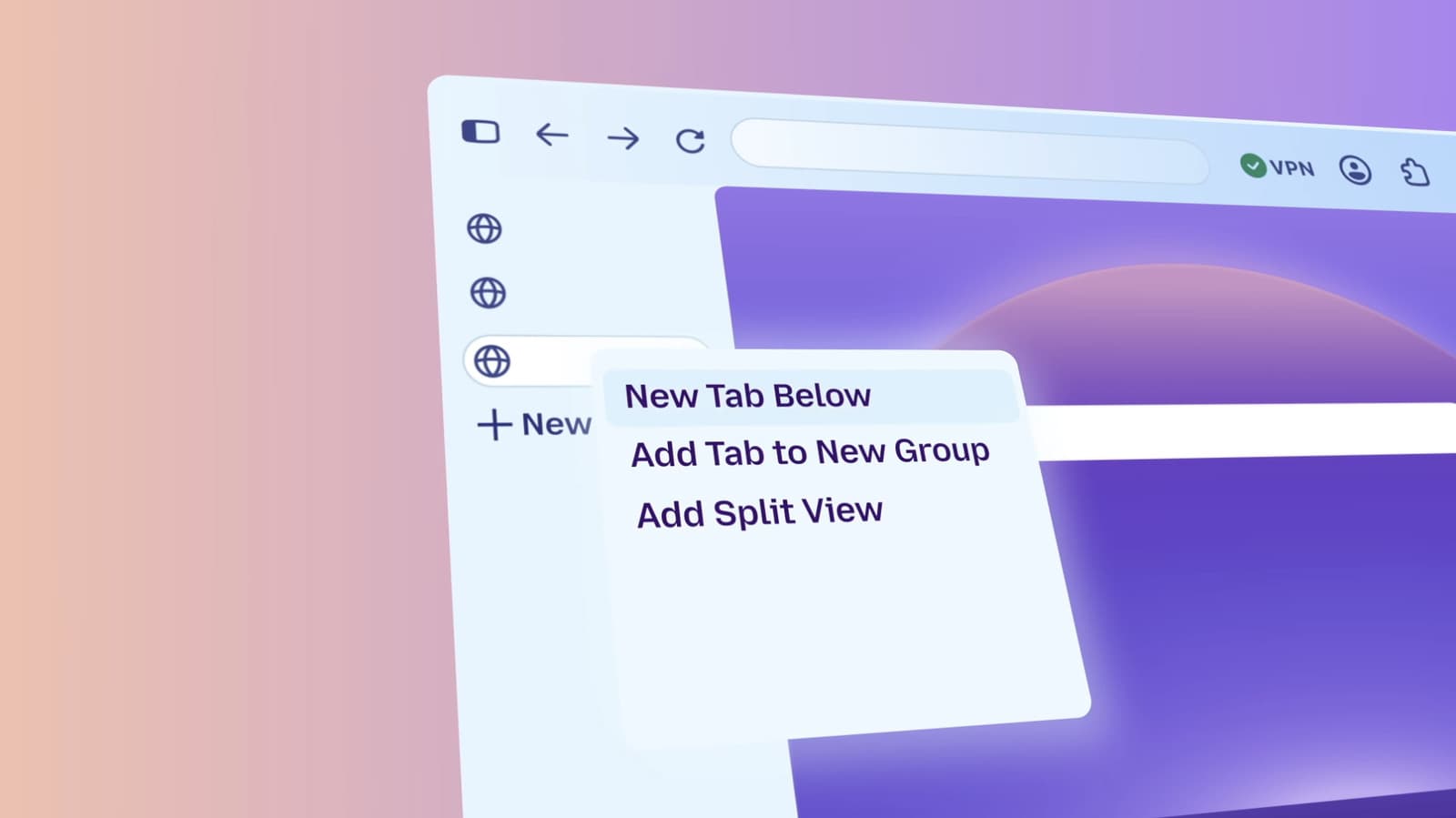
Mozilla has unveiled a major redesign of its Firefox browser, now rolling out across desktop and mobile platforms. The update introduces modernized themes, icons, and colors, along with the return of compact mode and improved privacy settings. The redesign aims to balance aesthetics, accessibility, and performance while incorporating feedback from early testers.
30 SEC SUMMARY
- Mozilla has launched a redesigned Firefox browser for desktop and mobile.
- The update includes modernized themes, icons, and colors, plus a new theme picker with wallpaper options.
- Compact mode, a user-requested feature, has returned to save screen space.
- Privacy settings are now easier to access, and customization options prioritize accessibility.
- Beta testers previewed the redesign via Firefox’s Nightly version.
TABLE OF CONTENTS
- Firefox Redesign Rolls Out Across Platforms
- Privacy and Accessibility Improvements
- Generative AI and Beta Testing
- What this means
- Key takeaways
- FAQ
- Sources
KEY HIGHLIGHTS
- Firefox’s redesign includes updated themes, icons, and colors for a modern look.
- Compact mode, a highly requested feature, returns to minimize toolbar and tab space.
- A new theme picker offers wallpaper options and better shortcut organization.
- Privacy settings are now easier to find, reflecting Mozilla’s focus on user control.
- Beta testers previewed the redesign via Firefox Nightly before the public rollout.
Firefox Redesign Rolls Out Across Platforms
Mozilla has begun rolling out a redesigned version of its Firefox browser for desktop and mobile. According to Engadget, the update introduces modernized themes, icons, and colors to refresh the browser’s appearance while maintaining its performance.
One of the most notable changes is the return of compact mode, which reduces the space taken up by the toolbar and tab screen. This feature addresses long-standing requests from users who prefer a more efficient use of screen real estate. The redesign also includes a new theme picker with wallpaper options and improved shortcut organization on the New Tab screen.
Privacy and Accessibility Improvements
The redesigned Firefox makes privacy settings easier to find, reinforcing Mozilla’s commitment to user control and transparency. The update also emphasizes accessibility, with customization options designed to accommodate a broader range of user needs.
While features like tab groups, split view, and vertical tabs remain part of the browser, they are no longer front and center. Mozilla has streamlined the default interface while ensuring these tools remain accessible to users who rely on them.
Generative AI and Beta Testing
The redesign aligns with Mozilla’s recent addition of a single off switch for generative AI tools, demonstrating the organization’s approach to integrating new technologies while giving users control over their experience.
Beta testers have had access to the redesign for several months through Firefox’s Nightly version. This allowed Mozilla to gather feedback and make adjustments before the wider release.
What this means
Lazyfounder analysis — our interpretation, not reported fact.
Mozilla’s Firefox redesign highlights the challenges of evolving a mature product without alienating its user base. The reintroduction of compact mode and improved accessibility settings show Mozilla is responding to specific user needs, while the cleaner interface reflects broader industry trends toward simplicity. For founders and operators, this update underscores the importance of balancing innovation with familiarity—especially in a competitive market like web browsers, where user habits are deeply ingrained. The decision to keep advanced features accessible but less prominent also suggests a strategic focus on mainstream users without abandoning power users.
Key takeaways
- Firefox’s redesign modernizes the browser’s look while reintroducing compact mode for efficiency.
- Privacy settings are more accessible, aligning with Mozilla’s focus on user control.
- The update prioritizes accessibility in its customization options.
- Beta testing via Firefox Nightly allowed Mozilla to refine the redesign based on early feedback.
- Advanced features like tab groups remain available but are less prominent in the default interface.
FAQ
What are the key changes in Firefox’s redesign?
The redesign includes updated themes, icons, and colors, along with the reintroduction of compact mode to save screen space. A new theme picker with wallpaper options is also part of the update.
Are privacy settings easier to access in the new Firefox?
Yes, Mozilla has made privacy settings more visible and easier to find in the redesigned browser.
Will the redesign affect Firefox’s performance?
According to Mozilla, the redesign does not compromise the browser’s performance.
What happened to advanced features like tab groups?
Features like tab groups, split view, and vertical tabs are still available but are no longer prominently displayed in the default interface.
How was the redesign tested before release?
Beta testers previewed the redesign through Firefox’s Nightly version for several months, allowing Mozilla to refine the update based on feedback.
Related on Lazyfounder
Sources
- Engadget · 2026-09-29
Mozilla Deploys A New-Look Firefox Across Desktop And Mobile
This story is an original summary drafted with AI by Lazyfounder from the reporting listed above and checked by automated validation. Facts are attributed to their original publishers; sections marked as analysis are Lazyfounder's. Where a source is in another language, facts were machine-translated and quotations are reported, not reproduced. Read the original coverage via the links, and see our AI policy and corrections policy.

About the author
Editor, Lazyfounder
Tarun Mottlia edits LazyFounders, covering Indian startups, funding rounds, AI and product launches. Every story on the site is AI-assisted and checked against its cited sources before publication.
More stories by Tarun MottliaGet the LazyFounder Brief
Startup, funding and AI news in a five-minute read. Join the early-access list.
