
How to check if your Android phone still gets security updates
Most Android phones do not notify users when they stop receiving security updates, leaving devices exposed to vulnerabilities. Checking whether your phone is still supported is simple, but the consequences of overlooking it can be severe. Here’s how to verify your device’s status and why it matters.

Editor, Lazyfounder
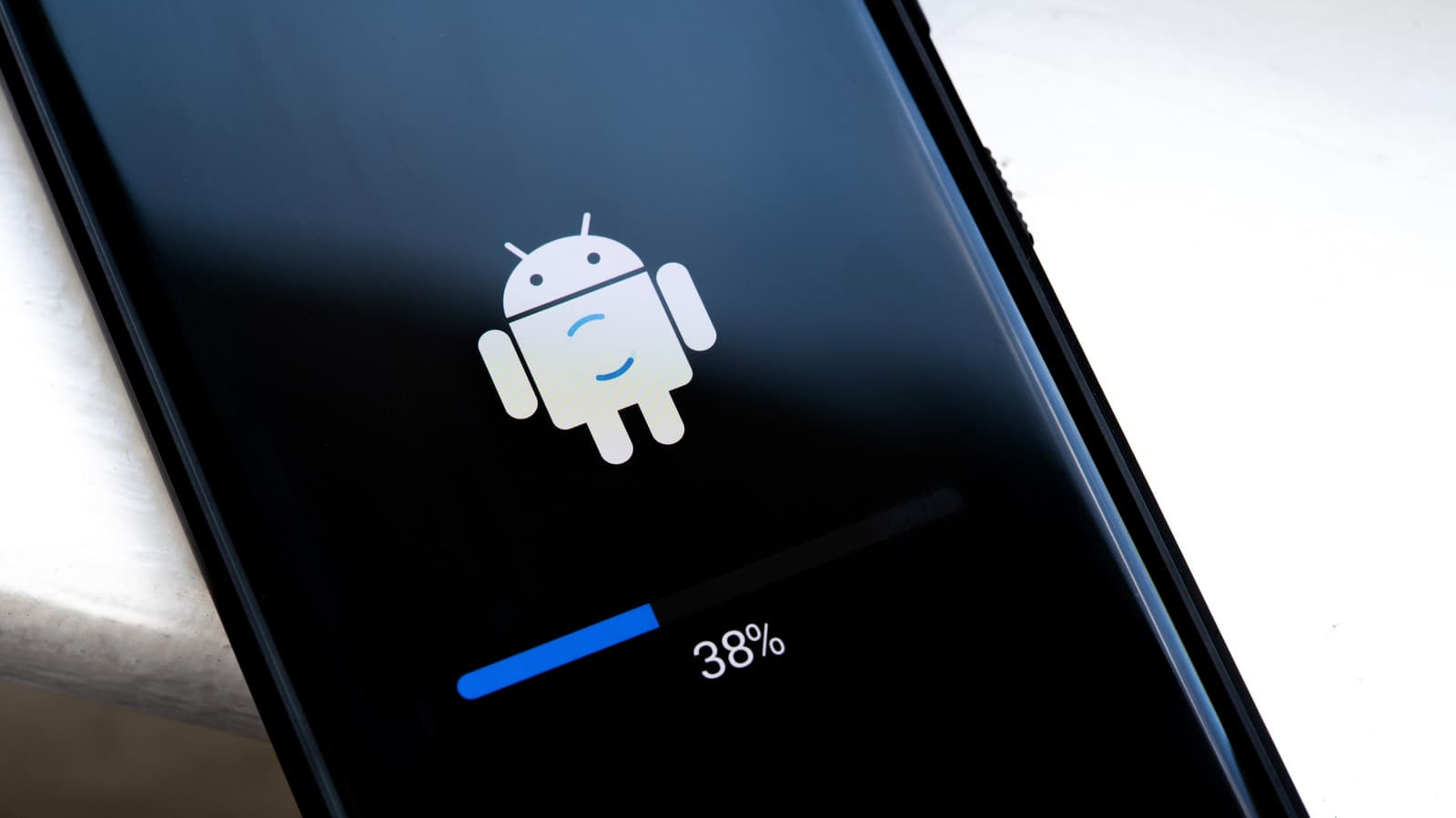
Most Android phones do not notify users when they stop receiving security updates, leaving devices exposed to vulnerabilities. Checking whether your phone is still supported is simple, but the consequences of overlooking it can be severe. Here’s how to verify your device’s status and why it matters.
30 SEC SUMMARY
- Android phones do not notify users when security support ends, leaving devices vulnerable if updates are missed.
- Security updates protect devices from vulnerabilities that attackers exploit to steal data or install malware.
- Users can check their phone’s last security update date in the Settings menu under 'About Phone' or 'Software Information.'
- Manufacturers like Google, Samsung, and OnePlus offer varying update timelines, typically ranging from four to seven years.
- Unsupported devices should not be used for sensitive tasks like banking without additional security measures.
TABLE OF CONTENTS
- The silent risk of unsupported Android devices
- Why security updates matter and how to check them
- Google Play system updates as a safety net
- Manufacturer update policies compared
- Regulatory changes and future support
- What to do with an unsupported device
- What this means
- Key takeaways
- FAQ
- Sources
KEY HIGHLIGHTS
- Android phones do not alert users when security support ends, making it easy to overlook unsupported devices.
- Security updates are critical for protecting phones from vulnerabilities that attackers exploit to steal data or install malware.
- Manufacturers like Google, Samsung, and OnePlus offer update cycles ranging from four to seven years, depending on the device.
- The EU will mandate at least five years of software updates for new smartphones starting in June 2025.
- Unsupported phones should not be used for sensitive tasks without additional security measures.
The silent risk of unsupported Android devices
Android phones rarely notify users when they stop receiving security updates, a gap that can leave devices vulnerable to exploits. According to Engadget, this lack of communication makes it easy for users to overlook the end of support for their devices.
Why security updates matter and how to check them
Security updates are designed to patch vulnerabilities that attackers could exploit to steal data, install malware, or gain unauthorized access. Engadget reports that these updates are often more critical than new features introduced in Android version upgrades. Without them, even a fully functional phone becomes a security liability.
Users can check their device’s last security update by navigating to the Settings menu, then selecting 'About Phone' or 'Software Information.' A security patch date older than three to six months may indicate the device is no longer supported.
Google Play system updates as a safety net
In addition to standard security patches, Google Play system updates provide an extra layer of protection. These updates target core components like media playback and connectivity, reducing the risk of exploits even if the main OS is outdated.
Manufacturer update policies compared
Update policies vary significantly among manufacturers. Engadget highlights the following timelines:
-
Google: Pixel 8 and newer models receive seven years of security and OS updates.
-
Samsung: Galaxy S24 and Z Fold/Flip6 series also offer seven years of support.
-
OnePlus: OnePlus 12 users get four years of OS updates and five years of security patches.
These differences mean users must research their specific device model to confirm its support window.
Regulatory changes and future support
Starting in June 2025, the European Union will require manufacturers to provide at least five years of software updates for new smartphones sold in the region. This regulation aims to extend the lifespan of devices and reduce e-waste, but it will not apply retroactively to older models.
What to do with an unsupported device
An unsupported phone does not stop working, but its security risks grow over time. Engadget warns that using such devices for sensitive tasks—like banking, password management, or accessing company data—increases the risk of exposure to exploits. Users with outdated devices are advised to limit their use to non-sensitive activities or consider upgrading to a supported model.
What this means
Lazyfounder analysis — our interpretation, not reported fact.
For founders and operators, this story underscores a critical but often overlooked aspect of device security: the silent expiration of support. Unlike software subscriptions or app updates, Android security patches don’t come with warnings or prompts when they stop arriving. This creates a hidden risk for teams using personal or company-issued devices, especially in startups where BYOD (Bring Your Own Device) policies are common.
The lack of transparency around end-of-life dates means founders must proactively track update cycles or risk exposing sensitive data—whether it’s customer information, proprietary code, or financial details. For startups building products that rely on mobile devices (e.g., field teams, IoT, or fintech apps), this isn’t just a user issue; it’s a potential liability.
The good news is that regulatory pressure, like the EU’s five-year update requirement, is pushing manufacturers toward longer support windows. However, until those rules become global, operators should treat unsupported devices as a ticking time bomb—fine for casual use, but not for anything mission-critical. This is also a product opportunity: tools that automatically audit device security status or alert users when their hardware is at risk could fill a gap in the market.
Key takeaways
- Check your Android device’s last security update date in Settings to confirm it’s still supported.
- Security patches are essential for protecting devices from exploits, even if the phone still functions normally.
- Update policies vary by manufacturer: Google and Samsung lead with seven years of support for newer models, while others lag behind.
- Unsupported devices should not be used for sensitive tasks like banking or accessing company data.
- The EU’s new rules will require five years of updates for new smartphones starting in June 2025, but older devices remain unprotected.
FAQ
How do I check if my Android phone is still receiving security updates?
Go to your phone’s Settings menu, select 'About Phone' or 'Software Information,' and look for the 'Android security patch level' date. If the date is older than three to six months, your device may no longer be supported.
Why are security updates important for Android phones?
Security updates patch vulnerabilities that attackers can exploit to steal data, install malware, or gain unauthorized access to your device. Without these updates, even a phone that works normally becomes a security risk.
Which manufacturers offer the longest update support for Android devices?
Google and Samsung currently lead with seven years of security and OS updates for their latest models, such as the Pixel 8 and Galaxy S24 series. OnePlus offers five years of security updates for devices like the OnePlus 12.
What should I do if my Android phone is no longer supported?
Avoid using the device for sensitive tasks like banking, password management, or accessing company data. Consider upgrading to a newer model with active support or limiting the phone’s use to non-sensitive activities.
Will the EU’s new rules improve Android update support?
Yes, starting in June 2025, the EU will require manufacturers to provide at least five years of software updates for new smartphones sold in the region. However, this rule will not apply to older devices already on the market.
Related on Lazyfounder
Sources
- Engadget · 2026-10-06
How To Check If Your Android Phone Is Still Getting Security Updates
This story is an original summary drafted with AI by Lazyfounder from the reporting listed above and checked by automated validation. Facts are attributed to their original publishers; sections marked as analysis are Lazyfounder's. Where a source is in another language, facts were machine-translated and quotations are reported, not reproduced. Read the original coverage via the links, and see our AI policy and corrections policy.

About the author
Editor, Lazyfounder
Tarun Mottlia edits LazyFounders, covering Indian startups, funding rounds, AI and product launches. Every story on the site is AI-assisted and checked against its cited sources before publication.
More stories by Tarun MottliaGet the LazyFounder Brief
Startup, funding and AI news in a five-minute read. Join the early-access list.
