
Why front USB ports on desktops slow down devices
Front USB ports on desktop computers often deliver slower speeds and less power than rear ports due to differences in engineering, signal loss, and shared bandwidth. These limitations can affect performance-critical peripherals, from external SSDs to VR headsets. For founders and operators working with hardware-dependent workflows, understanding these trade-offs can help optimize productivity.

Editor, Lazyfounder
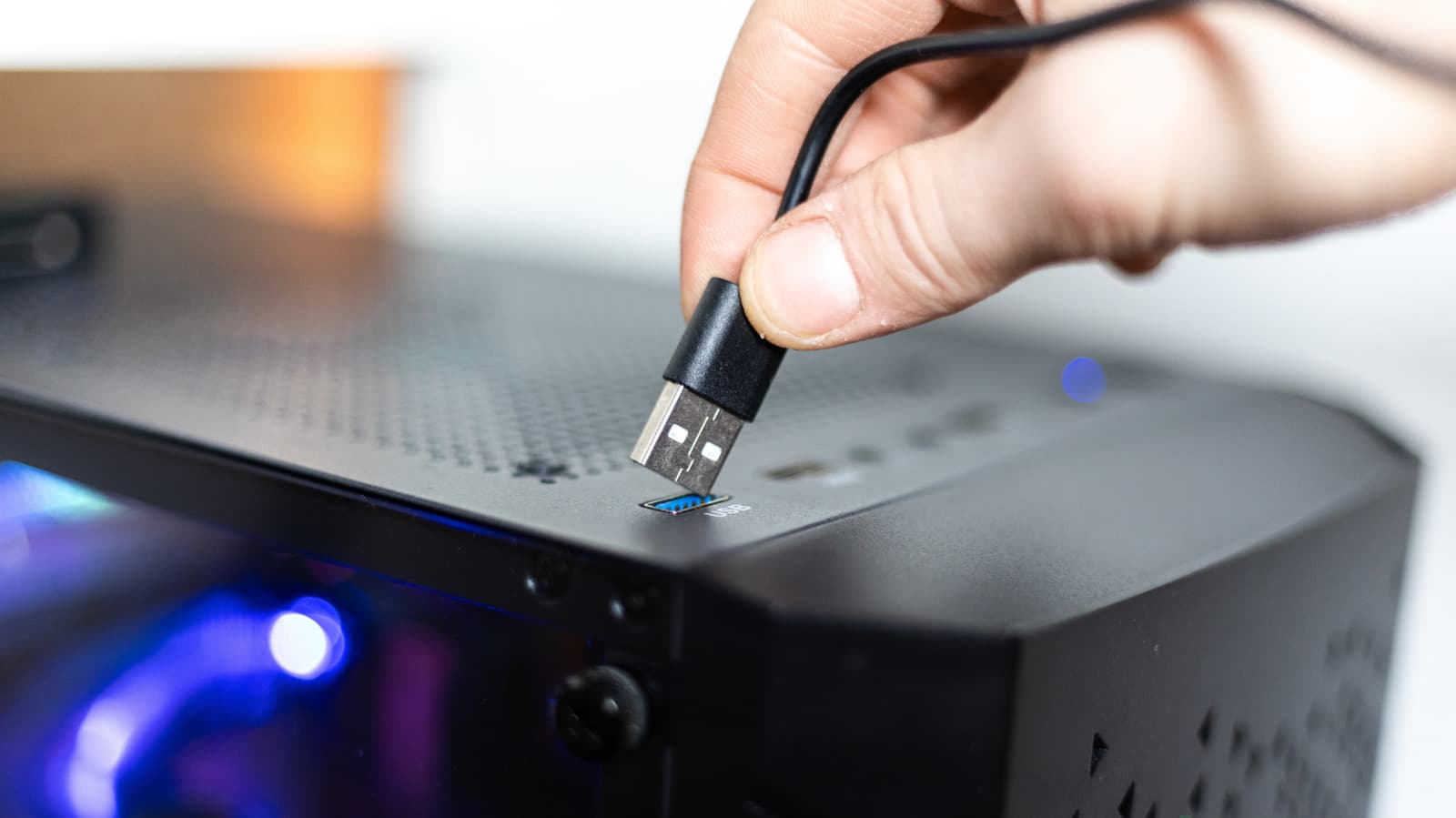
Why front USB ports underperform
Front USB ports on desktop computers often deliver slower speeds and reduced power compared to rear ports. This difference stems from how they are engineered. According to Engadget, front ports connect to the motherboard via extension cables, which can introduce signal loss. In contrast, rear ports are typically soldered directly to the motherboard, minimizing degradation and preserving performance.
Front ports also frequently share a single internal connector, splitting speed and power among all connected devices. This setup can create bottlenecks, especially when multiple peripherals are in use simultaneously. Rear ports, meanwhile, often have dedicated connections, ensuring consistent performance for each device.
Manufacturers may also prioritize slower USB standards for front ports. For example, the ASUS ROG Maximus Z790 Hero motherboard’s rear ports include two Thunderbolt 4 ports (up to 40 Gbps) and six USB 3.2 Gen 2 ports (10 Gbps), while its front panel offers one USB 3.2 Gen 2x2 port (20 Gbps) and four USB 3.2 Gen 1 ports (5 Gbps).
Performance gaps in practice
The performance disparity is evident in consumer devices as well. Apple’s Mac mini with the M6 chip, for instance, limits its front USB-C ports to 10 Gbps, while the rear ports support up to 40 Gbps. This gap can impact bandwidth-intensive tasks, such as transferring large files to external SSDs or running latency-sensitive peripherals like VR headsets.
For operators and founders reliant on high-performance hardware—such as those in content creation, gaming, or data analysis—these differences matter. Connecting critical peripherals to rear ports can prevent slowdowns and ensure smoother workflows. Some devices, like certain VR headsets or capture cards, may not function optimally on slower front ports at all.
What this means
Lazyfounder analysis — our interpretation, not reported fact.
For founders and operators, especially those in hardware-dependent industries, the performance differences between front and rear USB ports aren’t just technical quirks—they can directly impact productivity and user experience. If your workflow relies on high-speed data transfer or latency-sensitive peripherals, the choice of port matters. While front ports offer convenience, rear ports are often the better option for performance-critical tasks. This is particularly relevant for teams building or using desktops for demanding applications, where even minor bottlenecks can compound over time.
Key takeaways
- Front USB ports on desktops may deliver lower speeds and power due to signal loss and shared bandwidth, affecting performance-critical peripherals like external SSDs or VR headsets.
- Rear ports, often soldered directly to the motherboard, typically offer higher speeds and dedicated bandwidth, making them better suited for high-performance devices.
- Founders and operators working with hardware-dependent workflows—such as content creation, gaming, or data-intensive tasks—should prioritize rear USB ports to avoid bottlenecks.
- Manufacturers may use slower USB standards for front ports, so checking motherboard or system specifications can help optimize peripheral placement.
Related on Lazyfounder
Sources
- Engadget · 2026-11-04
Your Desktop's Front USB Ports May Be Slowing Down Every Device You Plug Into Them
This story is an original summary drafted with AI by Lazyfounder from the reporting listed above and checked by automated validation. Facts are attributed to their original publishers; sections marked as analysis are Lazyfounder's. Where a source is in another language, facts were machine-translated and quotations are reported, not reproduced. Read the original coverage via the links, and see our AI policy and corrections policy.

About the author
Editor, Lazyfounder
Tarun Mottlia edits LazyFounders, covering Indian startups, funding rounds, AI and product launches. Every story on the site is AI-assisted and checked against its cited sources before publication.
More stories by Tarun MottliaGet the LazyFounder Brief
Startup, funding and AI news in a five-minute read. Join the early-access list.