
Common home network setup mistakes to avoid
Setting up a home network involves more than plugging in a router and hoping for the best. Common mistakes—like poor placement, weak security settings, and mismatched hardware—can lead to frustration, slow speeds, and vulnerabilities. Here’s what to avoid.

Editor, Lazyfounder
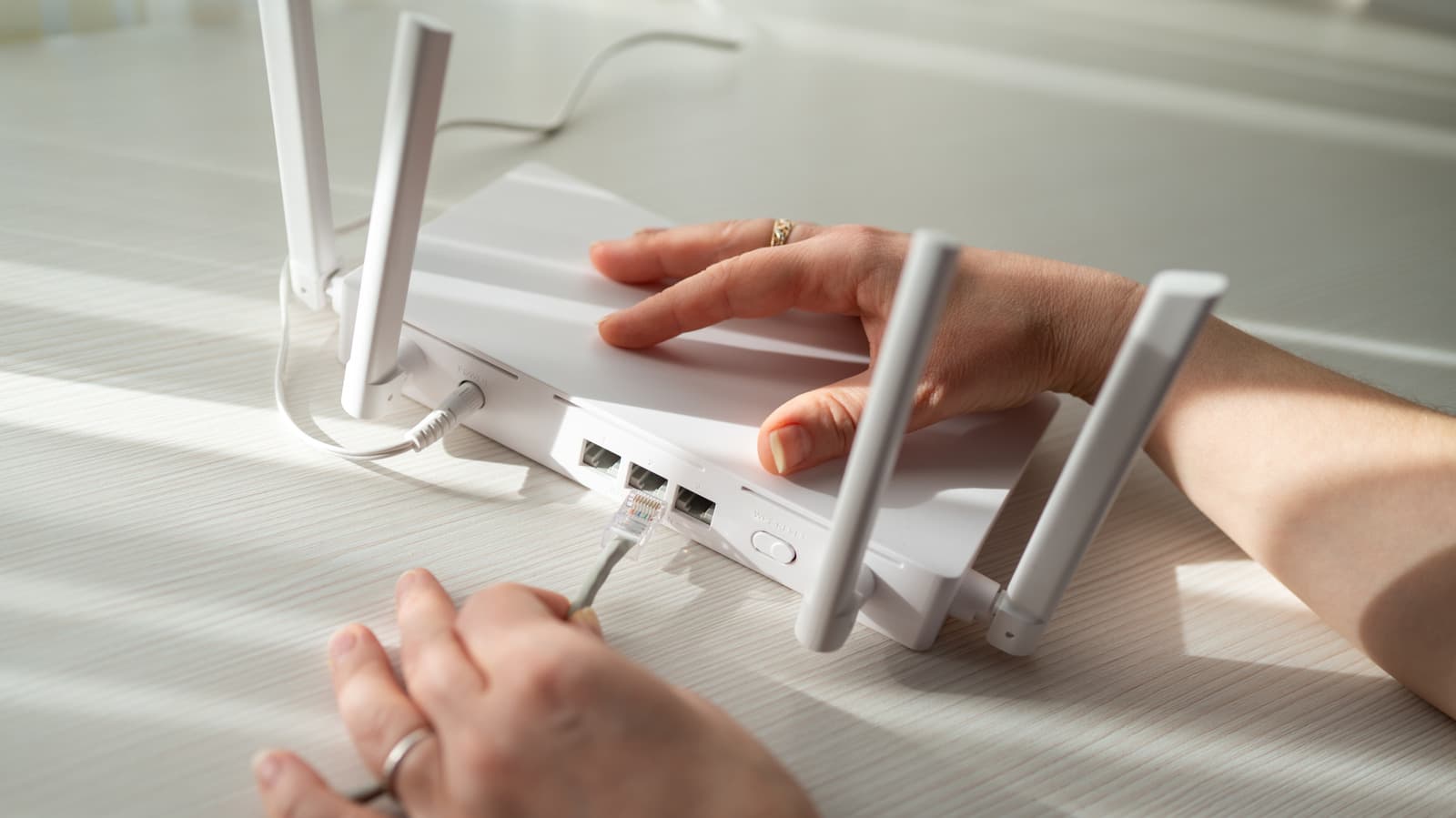
Why router placement matters
Placing your router in a central location is one of the simplest ways to improve Wi-Fi coverage, but many users overlook it. According to Engadget, poor placement—such as hiding the router in a closet, behind furniture, or near thick walls—can weaken signals and create dead zones. Electronics like microwaves, cordless phones, and baby monitors can also interfere with Wi-Fi signals, leading to inconsistent connectivity.
For larger or multi-story homes, a mesh network system may be a better solution than a single router. These systems use multiple access points to distribute signals evenly, reducing the risk of weak connections in hard-to-reach areas.
Choosing the right hardware
Not all routers are necessary for every household. Engadget points out that high-speed routers designed for gaming or large-file transfers may be overkill in rural areas where internet options are limited to DSL or satellite connections. Instead, users should match their hardware to their actual internet plan to avoid overspending.
For those who prioritize stability and security, Ethernet cables remain a reliable alternative to Wi-Fi. Cat6a cables, for example, support 10-gigabit connections over distances up to 100 meters, making them ideal for stationary devices like desktop PCs, smart TVs, and gaming consoles.
Security and configuration pitfalls
Weak security settings can expose home networks to unauthorized access. Engadget advises against using outdated protocols like WEP and TKIP, which are easily compromised. Instead, users should enable WPA3 Personal, the latest security standard, if their router and devices support it.
Another common mistake is failing to update default administrator credentials and Wi-Fi passwords. These defaults are often publicly available, making it easier for attackers to gain access to the network.
Running multiple DHCP servers on the same network can also cause conflicts, disrupting connectivity. Users should ensure only one device—typically the router—is assigned to manage IP address distribution.
What this means
Lazyfounder analysis — our interpretation, not reported fact.
For most users, a well-configured home network doesn’t require expensive hardware or advanced technical skills. The bigger challenges are often basic: where to place the router, how to secure it, and whether to rely on Wi-Fi or wired connections. These decisions can have a bigger impact on performance and security than upgrading to the latest high-end router, especially in regions with limited internet infrastructure.
For founders and operators in the networking or consumer electronics space, this highlights an opportunity to simplify setup and education. Products that guide users through placement, security, and configuration—whether through software, packaging, or customer support—could differentiate in a market where technical jargon often overwhelms non-expert users.
Related on Lazyfounder
Sources
- Engadget · 2026-10-24
Common Mistakes You Should Avoid When Setting Up Your Home Network
This story is an original summary drafted with AI by Lazyfounder from the reporting listed above and checked by automated validation. Facts are attributed to their original publishers; sections marked as analysis are Lazyfounder's. Where a source is in another language, facts were machine-translated and quotations are reported, not reproduced. Read the original coverage via the links, and see our AI policy and corrections policy.

About the author
Editor, Lazyfounder
Tarun Mottlia edits LazyFounders, covering Indian startups, funding rounds, AI and product launches. Every story on the site is AI-assisted and checked against its cited sources before publication.
More stories by Tarun MottliaGet the LazyFounder Brief
Startup, funding and AI news in a five-minute read. Join the early-access list.
