
How HDMI cable length and bandwidth affect 4K signal reliability
HDMI cables have no official maximum length, but their ability to transmit high-bandwidth signals like 4K at 120Hz depends on cable type, distance, and hardware. Reliability drops as bandwidth increases, and signal degradation can cause flickering, audio glitches, or total loss.

Editor, Lazyfounder
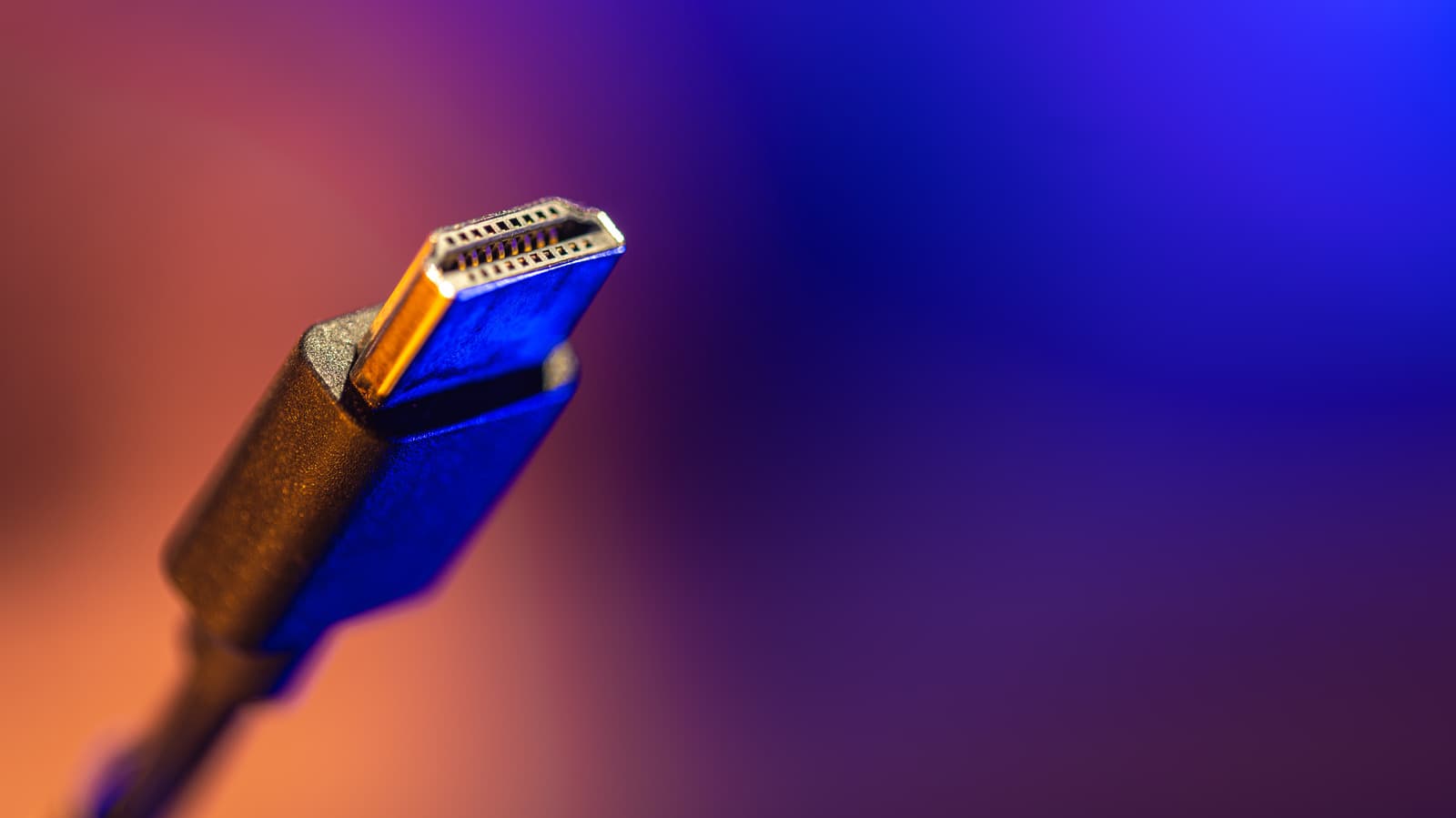
Why HDMI cable length matters for signal reliability
HDMI Licensing Administrator does not specify a maximum cable length, but performance deteriorates as distance and bandwidth increase, according to Engadget. A cable that works at 1080p may fail to transmit 4K at 120Hz reliably over the same distance.
Passive HDMI cables, which use copper wiring, weaken signals as they travel. Higher bandwidth signals—such as those required for 4K gaming or HDR content—are more susceptible to degradation, leading to flickering, pixelation, or blackouts.
Signal issues often appear abruptly. A cable might work at lower resolutions but fail when pushed to its limits, such as during high-refresh-rate gaming or streaming.
How active and optical HDMI cables extend range
Active HDMI cables use built-in electronics to boost signals, compensating for losses over longer distances. Active optical cables go further by converting electrical signals into light, allowing transmission well beyond 100 feet in some cases.
Many active and optical cables are directional, meaning one end must connect to the source device and the other to the display. Plugging them in backwards can result in a black screen.
While these cables solve distance challenges, they require power and may come at a higher cost compared to passive alternatives.
How to choose the right HDMI cable
Engadget recommends selecting the shortest cable that fits the setup to minimize signal loss. The appropriate HDMI category—such as Premium High Speed (18Gbps) or Ultra High Speed (48Gbps)—should match the devices’ capabilities.
Testing cables at the highest resolution and refresh rate before permanent installation is advised, as some may work intermittently under stress. Long runs with high-bandwidth signals, such as 4K/120Hz, are more likely to reveal hidden flaws.
What this means
Lazyfounder analysis — our interpretation, not reported fact.
For founders and operators in consumer electronics, AV hardware, or smart home tech, HDMI cable performance is a practical constraint that affects product design and customer expectations. Devices like gaming consoles, streaming boxes, or home theater systems that rely on high-bandwidth signals (e.g., 4K/120Hz) cannot assume passive cables will meet performance requirements in all setups. Offering clear guidance on cable selection—such as recommending active or optical solutions for long runs—can reduce support overhead and improve user experience.
Hardware startups launching high-resolution displays or media devices should also test their products with a range of cable types to ensure compatibility and reliability. Signal degradation is a common pain point for users, and preemptive documentation or bundled accessories (such as certified cables) can differentiate a product in crowded markets.
Related on Lazyfounder
Sources
- Engadget · 2026-10-24
How Long Is Too Long For An HDMI Cable?
This story is an original summary drafted with AI by Lazyfounder from the reporting listed above and checked by automated validation. Facts are attributed to their original publishers; sections marked as analysis are Lazyfounder's. Where a source is in another language, facts were machine-translated and quotations are reported, not reproduced. Read the original coverage via the links, and see our AI policy and corrections policy.

About the author
Editor, Lazyfounder
Tarun Mottlia edits LazyFounders, covering Indian startups, funding rounds, AI and product launches. Every story on the site is AI-assisted and checked against its cited sources before publication.
More stories by Tarun MottliaGet the LazyFounder Brief
Startup, funding and AI news in a five-minute read. Join the early-access list.
