
Why USB ports are sometimes black: color coding and capabilities explained
USB port color coding, particularly black, is often assumed to denote specific capabilities, but it is not a standardized practice. While black ports commonly indicate USB 2.0 connections, manufacturers may deviate from this convention, making it essential to verify a port’s actual performance through documentation.

Editor, Lazyfounder
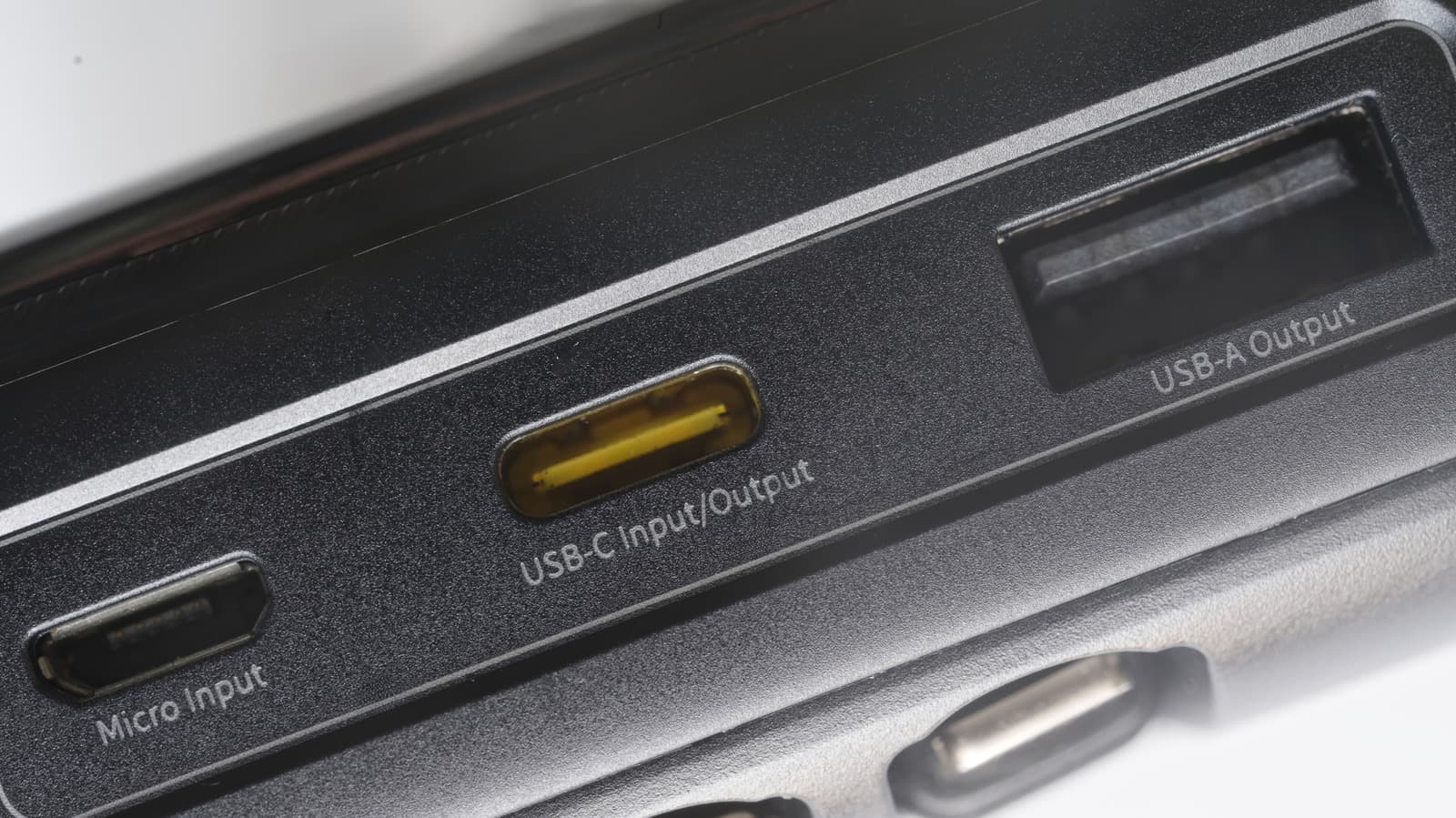
What black USB ports typically signify
Black USB ports are most commonly associated with USB 2.0 connections, also referred to as Hi-Speed USB. According to Engadget, these ports support data transfer rates up to 480 Mbps. However, this color coding is not an industry-wide standard, and manufacturers may use black ports for other specifications.
USB 2.0 ports are generally sufficient for low-speed, low-power peripherals like keyboards, mice, basic flash drives, and wired game controllers. They may struggle, however, with high-power devices such as external HDDs or SSDs, which can require more voltage than USB 2.0 ports provide.
Other USB port colors and their meanings
While black ports are often USB 2.0, white ports typically denote USB 1.x, which maxes out at 12 Mbps in full-speed mode. USB-C ports, by contrast, are usually colorless, meaning the conventions for USB-A colors do not apply to them.
Manufacturers are not bound by any rules regarding color coding. Some may use the same color for ports with different capabilities, so relying solely on color can be misleading.
How to confirm a USB port’s capabilities
Since color coding is not standardized, the most reliable way to determine a USB port’s specifications is to check the manufacturer’s documentation or look for markings adjacent to the port itself. This is particularly important for devices that require higher power or faster data transfer rates, such as external storage drives.
USB 3.0 devices will function when connected to a USB 2.0 port, but their performance will be limited to USB 2.0’s maximum throughput, which may bottleneck faster drives or peripherals.
What this means
Lazyfounder analysis — our interpretation, not reported fact.
For hardware startups, device manufacturers, and operators relying on peripherals, USB port color coding is an unreliable indicator of performance. This lack of standardization means founders must prioritize clear labeling and documentation to avoid compatibility issues, especially for products like external storage drives where power and speed requirements are critical. If a product targets users who may not read manuals, embedding port specifications directly onto the device—such as labeling a USB 2.0 port as "480 Mbps"—could reduce confusion and support requests. The shift toward USB-C, which lacks color coding, further underscores the need for alternative ways to communicate port capabilities.
Related on Lazyfounder
Sources
- Engadget · 2026-11-03
The Reason Why Some USB Ports Are Black
This story is an original summary drafted with AI by Lazyfounder from the reporting listed above and checked by automated validation. Facts are attributed to their original publishers; sections marked as analysis are Lazyfounder's. Where a source is in another language, facts were machine-translated and quotations are reported, not reproduced. Read the original coverage via the links, and see our AI policy and corrections policy.

About the author
Editor, Lazyfounder
Tarun Mottlia edits LazyFounders, covering Indian startups, funding rounds, AI and product launches. Every story on the site is AI-assisted and checked against its cited sources before publication.
More stories by Tarun MottliaGet the LazyFounder Brief
Startup, funding and AI news in a five-minute read. Join the early-access list.