
TechRadar
The clever software I use to control two PCs with one keyboard and mouse — no hardware KVM required
How to sling your cursor across multiple PCs like a digital lariat using free and low-cost software

Via TechRadar
·Excerpt
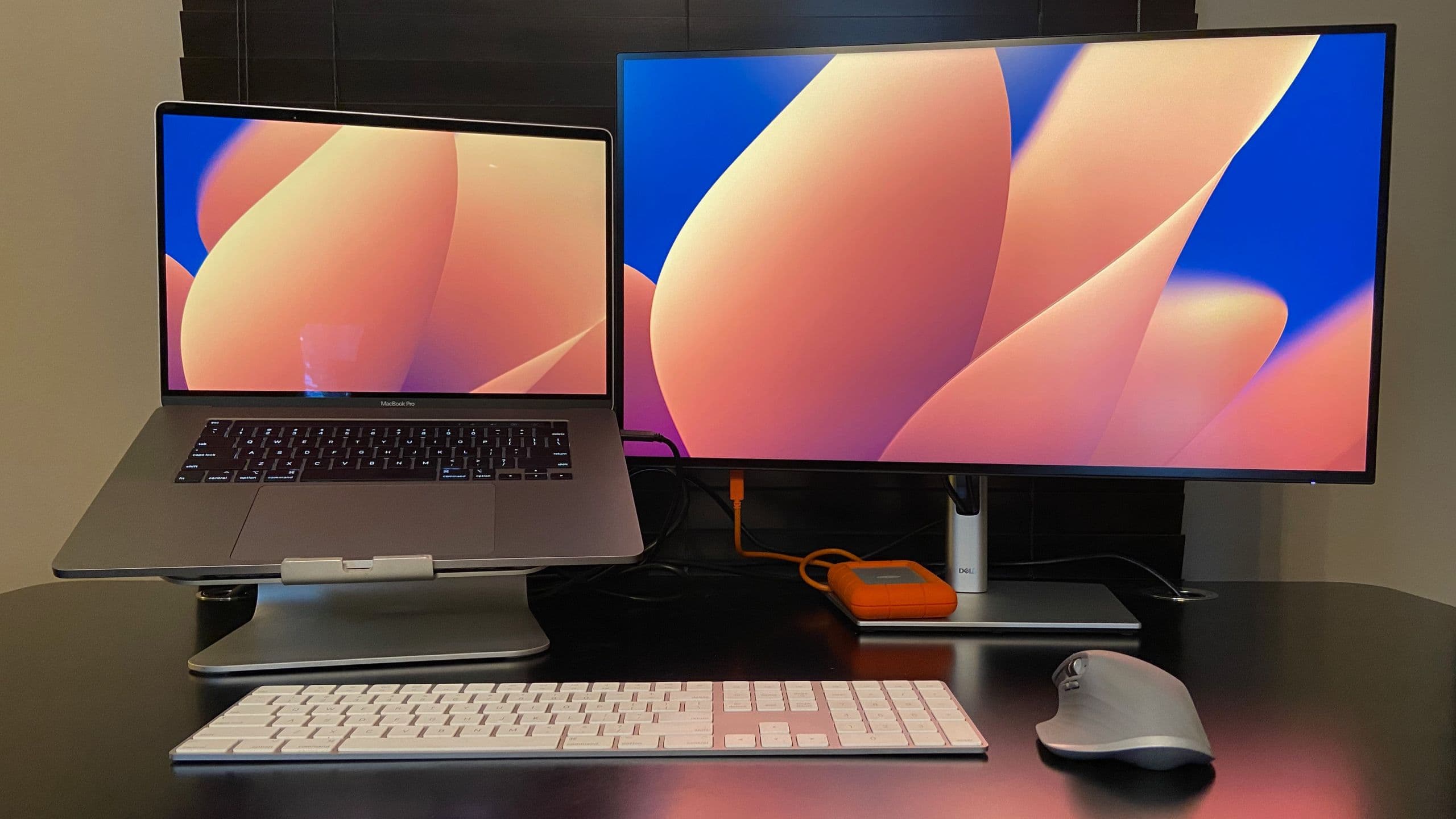
Best Monitor for MacBook Pro
(Image credit: Bryce Hyland / Future)
Devices now known as KVM (keyboard-video-mouse) switches, which allow multiple computers to use a single set of input devices and monitor, predate USB and even the mouse (That’s why the “M” is tacked on at the end).
PCs have also been able to support multiple monitors since the ‘80s, with the Mac leading the way and Windows users getting integrated support in the Windows 98. Years of studies have…
Courtesy
This story was originally published by TechRadar. All rights belong to the original publisher.
Read the original on techradar.com ↗