
Should you rent or buy a router from your ISP? Here’s how to decide
Should you rent or buy a router from your Internet Service Provider (ISP)? The answer depends on your budget, technical needs, and how long you plan to stay with your provider. While renting offers convenience and automatic upgrades, buying can save money and provide better performance. Here’s what to consider.

Editor, Lazyfounder
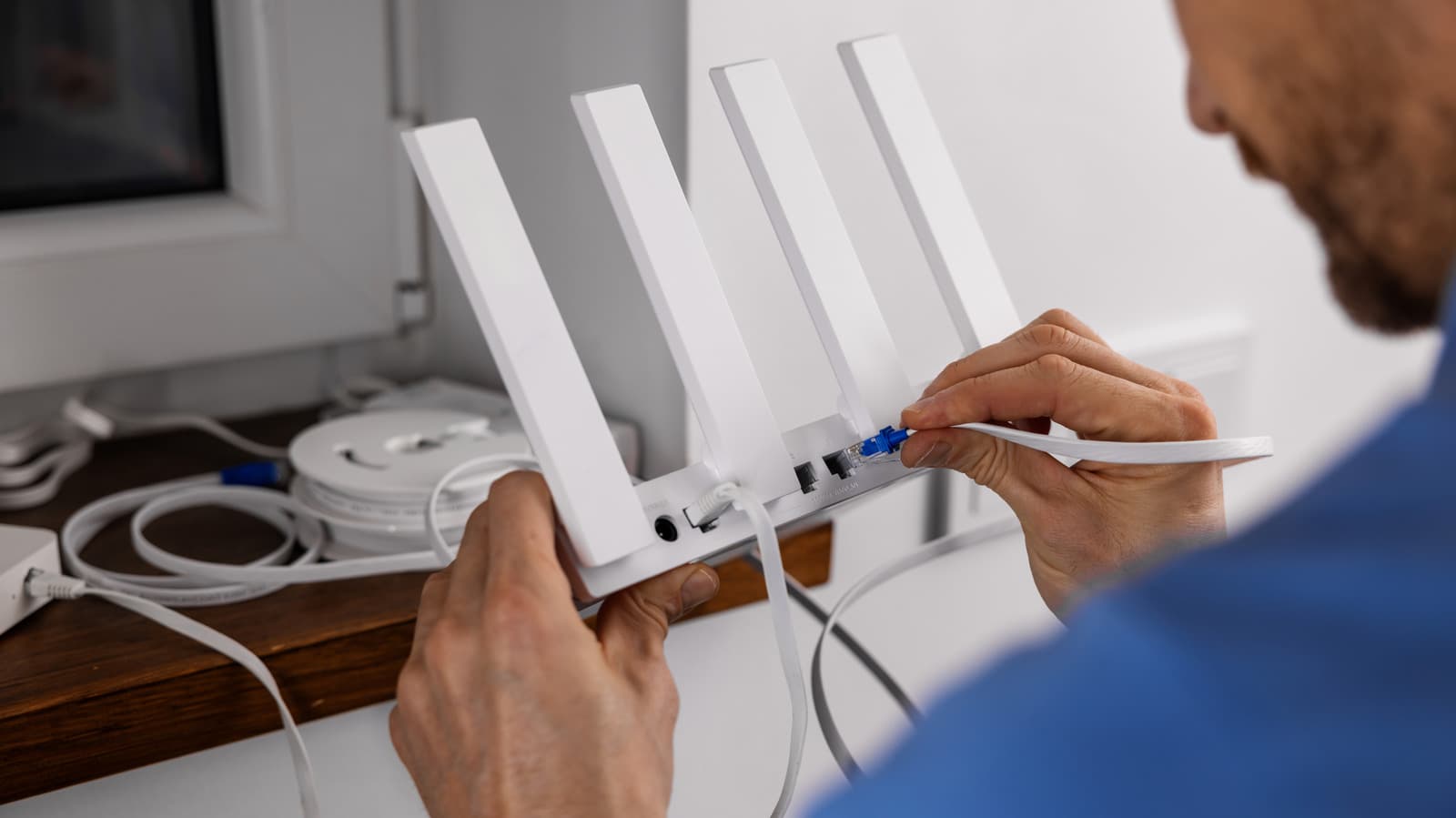
Should you rent or buy a router from your Internet Service Provider (ISP)? The answer depends on your budget, technical needs, and how long you plan to stay with your provider. While renting offers convenience and automatic upgrades, buying can save money and provide better performance. Here’s what to consider.
30 SEC SUMMARY
- Renting a router from an ISP costs $10 to $20 per month but offers convenience and automatic upgrades.
- Buying a router outright can save money long-term, often breaking even within a year.
- ISP-provided routers may lack advanced features, latest Wi-Fi standards, or customization options.
- Some ISPs include router rentals in plan costs, making them effectively free.
- Owning a router provides greater privacy, control, and flexibility for upgrades or reuse.
TABLE OF CONTENTS
- The case for renting a router
- The downsides of renting
- Why buying a router might be better
- When renting is effectively free
- What this means
- Key takeaways
- FAQ
- Sources
KEY HIGHLIGHTS
- Renting a router from an ISP costs $10 to $20 per month but includes support and automatic upgrades.
- Buying a router outright often breaks even within a year and offers better performance and control.
- ISP-provided routers may lack advanced features, latest Wi-Fi standards, or customization options.
- Some ISPs, like Xfinity and Verizon Fios, include router rentals in plan costs, making them effectively free.
- Owning a router provides greater privacy, flexibility, and the ability to upgrade or reuse equipment.
The case for renting a router
According to Engadget, renting a router from an Internet Service Provider (ISP) is often marketed as the "easy" option. It avoids the upfront cost of purchasing a router and can be convenient for users who prefer to bundle expenses. Many ISPs also handle setup and troubleshooting, with technicians ensuring the network is operational.
Another advantage of renting is automatic upgrades. Engadget notes that ISPs frequently update rented gateways to the latest versions every few years, sparing users the hassle of researching and purchasing compatible hardware. This can be particularly appealing for those who prioritize convenience over customization.
For some users, renting may also simplify shared home expenses. Since the cost is rolled into the monthly bill, it can be easier to manage than a one-time purchase.
The downsides of renting
Despite its convenience, renting a router can be expensive over time. Engadget reports that monthly rental fees typically range from $10 to $20. For long-term users, these costs can add up, often exceeding the price of purchasing a router outright within a year.
ISP-provided routers may also lag behind in technology. According to Engadget, they often lack support for the latest Wi-Fi standards or advanced features like custom firmware, MU-MIMO, or beamforming. This can limit performance, especially for users with multiple devices or high-bandwidth needs.
Privacy concerns have also been raised. Engadget highlights that some ISPs, such as Xfinity, broadcast public networks that other customers can connect to. This practice may raise concerns for users who prioritize network security and data privacy.
Why buying a router might be better
Purchasing a router outright can be a cost-effective alternative. Engadget notes that the break-even point for buying versus renting is often less than a year. For users who plan to stay with their ISP long-term, this can translate into significant savings.
Owning a router also provides greater control. Users can select models with advanced features, such as Wi-Fi 6E support, better range, or custom firmware options. This flexibility is particularly valuable for tech-savvy users or those with specific networking needs, like gaming or streaming.
Privacy and security are additional benefits. Engadget points out that owning a router eliminates concerns about shared public networks or ISP-managed firmware updates. Users can also reuse their router if they switch ISPs, further reducing long-term costs.
When renting is effectively free
For some customers, renting a router may not incur additional costs. Engadget reports that ISPs like Verizon Fios and Xfinity now include gateway rentals in the overall plan cost. In these cases, renting becomes a no-cost convenience, as users are not charged separately for the equipment.
However, even when rentals are free, users may still face limitations. For example, Verizon Fios offers a Wi-Fi 6E router for $400, but Engadget argues that purchasing it is unnecessary when renting is already included in the plan. This highlights a trade-off: while renting may be cost-neutral, it can still limit users' ability to upgrade or customize their setup.
What this means
Lazyfounder analysis — our interpretation, not reported fact.
For founders and operators in the consumer tech or ISP space, the rent-vs-buy debate highlights a key tension between convenience and long-term value. Renting may reduce friction for users who prioritize simplicity, but it also creates a recurring revenue stream for ISPs—one that could become a pain point if customers realize the cost savings of owning.
Startups in home networking or cybersecurity could see opportunity here. Advanced users who buy their own routers may seek better performance, privacy, or customization, opening doors for third-party firmware, mesh networking solutions, or hardware upgrades. Meanwhile, ISPs bundling free routers are likely betting on customer inertia; if the cost is invisible, users may not bother switching.
The decision ultimately hinges on user behavior: Do they prioritize upfront savings, or are they willing to pay a premium for hassle-free service? For operators, this is a reminder that even small recurring fees can add up—and that transparency about costs matters.
Key takeaways
- Renting a router is convenient but can cost $10–$20 per month, adding up over time.
- Buying a router often pays for itself within a year and offers better features and control.
- Some ISPs include router rentals in plan costs, making them effectively free for customers.
- ISP-provided routers may lack the latest Wi-Fi standards or customization options.
- The choice between renting and buying depends on budget, usage needs, and how long you plan to stay with your ISP.
FAQ
How much does it cost to rent a router from an ISP?
Renting a router typically costs $10 to $20 per month, depending on the ISP. Over time, these fees can add up to more than the cost of purchasing a router outright.
How long does it take to break even when buying a router?
In most cases, buying a router pays for itself within a year, especially if you plan to use it for several years. The exact break-even point depends on the cost of the router and the monthly rental fee.
Are ISP-provided routers less secure?
Some ISP-provided routers have raised privacy concerns, particularly if they broadcast public networks that other customers can connect to. Owning your own router can provide greater control over security and privacy settings.
Do ISPs include router rentals in plan costs?
Yes, some ISPs like Verizon Fios and Xfinity include router rentals in their plan costs. This makes renting effectively free, though users may still face limitations in features or customization.
Can I use my own router with any ISP?
Most ISPs allow you to use your own router, but compatibility can vary. It’s important to check with your provider to ensure your router will work with their service.
Related on Lazyfounder
Sources
- Engadget · 2026-10-06
Should You Buy Or Rent Your Router From Your Internet Service Provider?
This story is an original summary drafted with AI by Lazyfounder from the reporting listed above and checked by automated validation. Facts are attributed to their original publishers; sections marked as analysis are Lazyfounder's. Where a source is in another language, facts were machine-translated and quotations are reported, not reproduced. Read the original coverage via the links, and see our AI policy and corrections policy.

About the author
Editor, Lazyfounder
Tarun Mottlia edits LazyFounders, covering Indian startups, funding rounds, AI and product launches. Every story on the site is AI-assisted and checked against its cited sources before publication.
More stories by Tarun MottliaGet the LazyFounder Brief
Startup, funding and AI news in a five-minute read. Join the early-access list.
