
Windows 11 tweaks and AI agents reshape productivity tools
Windows 11 users can boost productivity and comfort by customizing default settings, while companies are increasingly adopting AI agents as digital coworkers. However, the human-like design of these agents raises questions about workplace dynamics and accountability.

Editor, Lazyfounder
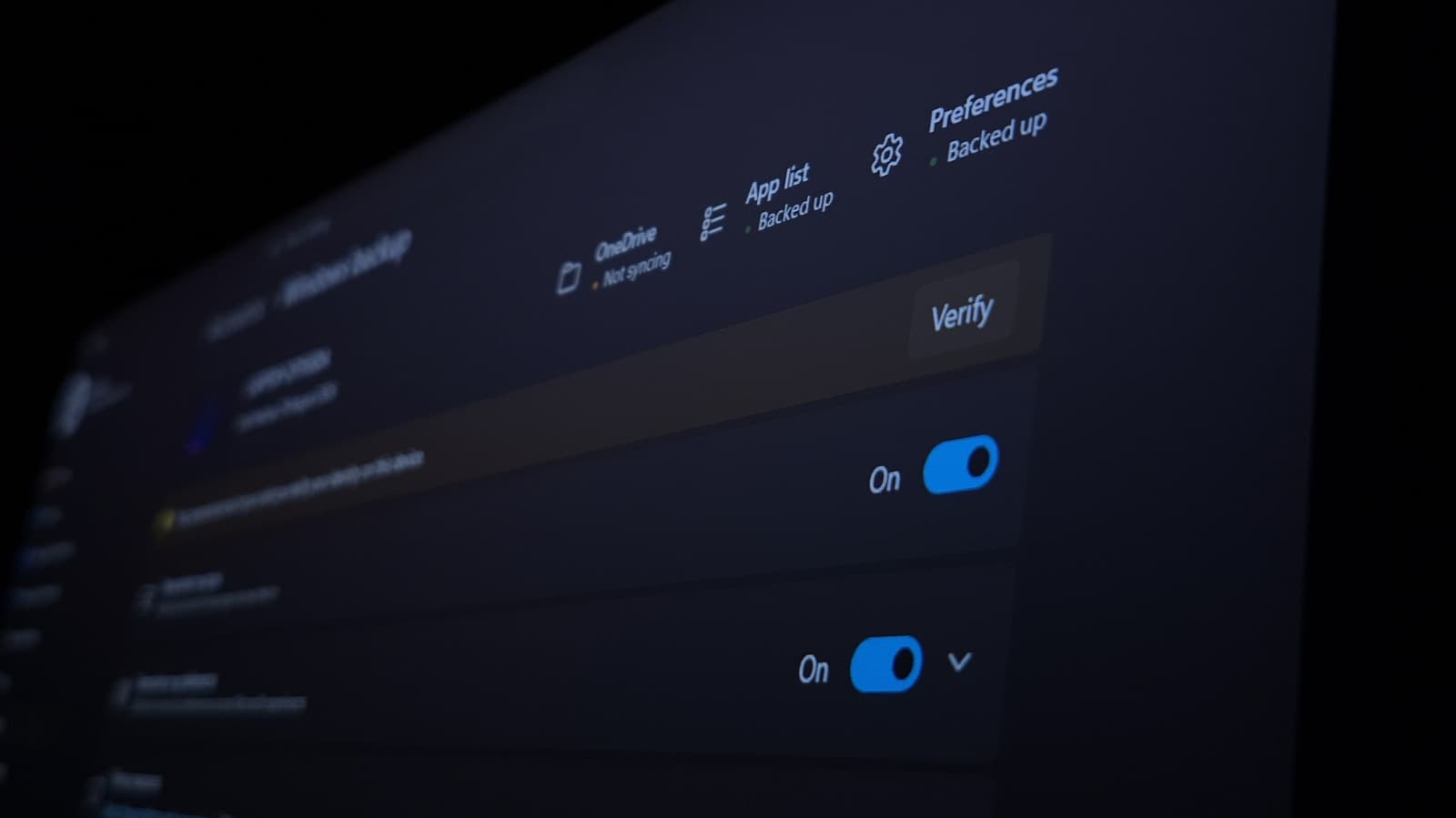
Windows 11 users can boost productivity and comfort by customizing default settings, while companies are increasingly adopting AI agents as digital coworkers. However, the human-like design of these agents raises questions about workplace dynamics and accountability.
30 SEC SUMMARY
- Windows 11 can be significantly improved by customizing settings like power options, taskbar tweaks, and clipboard history.
- AI agents are being integrated into corporate workflows, with 22% of managers reporting their addition to org charts.
- Features like Clipboard History and Night Light enhance productivity and reduce eye strain but are disabled by default.
- Companies like Microsoft and startups such as Anything are designing AI agents with human-like traits to encourage workplace adoption.
- Anthropomorphizing AI in the workplace may lead to reduced oversight of errors, as research shows managers overlook mistakes when work is attributed to AI employees.
TABLE OF CONTENTS
- Customizing Windows 11 for better performance
- AI agents enter the workforce
- The risks of anthropomorphizing AI
- Background: Observability and AI governance
- What this means
- Key takeaways
- FAQ
- Sources
KEY HIGHLIGHTS
- Windows 11’s default settings can be optimized for better performance and user experience, such as enabling Clipboard History and disabling ads.
- 22% of managers reported adding AI agents to corporate org charts, signaling a shift toward autonomous digital coworkers.
- AI agents like Microsoft’s Scout and startups’ Skydive are designed with human-like traits to encourage adoption and attachment.
- Research shows managers are less likely to catch errors when work is attributed to AI employees compared to AI tools.
- Small features like Night Light and Storage Sense can improve user comfort and system efficiency.
Customizing Windows 11 for better performance
Windows 11 is functional out of the box, but customizing its settings can significantly improve efficiency and user experience. According to Engadget, enabling features like Clipboard History—disabled by default—allows users to store and access up to 25 copied items, streamlining workflows.
Disabling ads and suggestions is another recommended tweak. Windows 11 displays ads in the Start menu, lock screen, and other areas, but these can be turned off in settings. For example, disabling "Show recommendations for tips, shortcuts, new apps, and more" prevents unwanted app suggestions from appearing in the Start menu.
Other useful adjustments include enabling "End Task" for force-closing apps from the taskbar, setting "Active hours" to avoid unexpected restarts during updates, and activating Night Light to reduce eye strain. Storage Sense, which automatically frees up disk space, is another small but impactful feature.
Security can also be improved by using a PIN for Windows Hello, which is more secure and convenient than typing a Microsoft account password. Disabling peer-to-peer update sharing prevents unnecessary bandwidth usage, while turning off "Title bar window shake" avoids accidental minimization of other apps.
AI agents enter the workforce
AI agents are increasingly being adopted as digital coworkers in corporate settings. According to WIRED, 22% of managers surveyed in January reported that their organizations had added AI agents to their org charts. These systems, built on large language models, are designed to operate autonomously and complete tasks without constant human intervention.
Companies like Microsoft and startups such as Anything are leading the charge in developing AI agents with human-like traits. Microsoft’s Scout, for example, can reschedule meetings and draft emails, while startups like Anything are creating agents with personalities to encourage anthropomorphism among users.
Christine Wendell, CEO of Pronto Housing, uses Skydive agents for tasks like writing contracts, scheduling meetings, and sending follow-up emails. These agents are marketed as tireless, superhumanly intelligent coworkers, blurring the line between tool and teammate.
The risks of anthropomorphizing AI
While AI agents are being designed to encourage anthropomorphism, research highlights potential risks. According to WIRED, managers were 18% less likely to catch errors when work was attributed to an AI employee rather than an AI tool. This suggests that humanizing AI could lead to reduced oversight and accountability in the workplace.
Julie Bedard, a partner at Boston Consulting Group, noted that the way people discuss AI in the workplace has become increasingly ambiguous. As AI agents take on more human-like traits, employees may form attachments to them, further complicating workplace dynamics.
The psychological and behavioral impacts of integrating AI agents into teams remain unclear. While they can boost productivity, their autonomous nature and human-like design may create unintended consequences, such as over-reliance or diminished critical oversight.
Background: Observability and AI governance
As AI agents become more prevalent in the workforce, tools like Amazon CloudWatch Omni are emerging to address observability challenges. Unlike traditional tools that focus on runtime performance, Omni evaluates why AI agents behave in specific ways, helping enterprises scale agentic AI workloads while ensuring compliance and governance.
This shift reflects a broader need for transparency and accountability as AI systems take on more autonomous roles in corporate environments.
What this means
Lazyfounder analysis — our interpretation, not reported fact.
For founders and operators, these developments highlight two key trends: the importance of customization in productivity tools and the rapid integration of AI into workflows. Windows 11’s flexibility shows how even mature software can be optimized for specific user needs, a lesson that applies to any SaaS product. The ability to tweak settings like Clipboard History or Storage Sense may seem minor, but these small improvements can add up to significant gains in efficiency and user satisfaction.
The rise of AI agents as digital coworkers presents both opportunities and challenges. On one hand, autonomous AI systems can handle repetitive tasks, freeing up human employees for higher-value work. On the other, anthropomorphizing these tools risks creating a false sense of reliability. Founders must consider how to balance automation with accountability—designing AI systems that augment human work without encouraging over-reliance or reducing oversight.
The research showing that managers overlook errors when work is attributed to AI employees is a warning. It underscores the need for clear guardrails and transparency in how AI systems are deployed. For startups building or integrating AI agents, this means prioritizing explainability and error-checking mechanisms to ensure these tools are used responsibly.
Key takeaways
- Customizing Windows 11 settings can improve efficiency and user experience, such as enabling Clipboard History and disabling ads.
- AI agents are increasingly adopted as digital coworkers, operating autonomously and often designed with human-like traits.
- Anthropomorphism in AI may create unintended consequences, including reduced error detection by managers.
- Small tweaks like Storage Sense and Night Light can optimize PC performance and user comfort.
- Disabling peer-to-peer updates and title bar window shake can prevent unnecessary bandwidth use and accidental app minimization.
FAQ
What is Clipboard History in Windows 11?
Clipboard History is a feature in Windows 11 that allows users to store and access up to 25 copied items. It is disabled by default but can be enabled in settings.
How can I disable ads in Windows 11?
Ads and suggestions in Windows 11 can be disabled by turning off settings like "Show recommendations for tips, shortcuts, new apps, and more" and "Show search highlights" in the system preferences.
What are AI agents in the workplace?
AI agents are systems built on large language models designed to complete tasks autonomously. They are increasingly being adopted as digital coworkers to handle tasks like scheduling, drafting emails, and managing contracts.
Why is anthropomorphizing AI a concern?
Anthropomorphizing AI—giving it human-like traits—can lead to reduced oversight of errors. Research shows managers are less likely to catch mistakes when work is attributed to an AI employee rather than an AI tool, raising concerns about accountability.
What is the benefit of using a PIN for Windows Hello?
Using a PIN for Windows Hello is more secure and convenient than typing a Microsoft account password. It provides a faster way to unlock devices while maintaining security.
Related on Lazyfounder
Sources
- Engadget · 2026-09-26
Improve Your Windows 11 Experience By Changing These Settings - WIRED · 2026-09-28
AI Agents Are About to Flood the Workforce. No One’s Ready for It
This story is an original summary drafted with AI by Lazyfounder from the reporting listed above and checked by automated validation. Facts are attributed to their original publishers; sections marked as analysis are Lazyfounder's. Where a source is in another language, facts were machine-translated and quotations are reported, not reproduced. Read the original coverage via the links, and see our AI policy and corrections policy.

About the author
Editor, Lazyfounder
Tarun Mottlia edits LazyFounders, covering Indian startups, funding rounds, AI and product launches. Every story on the site is AI-assisted and checked against its cited sources before publication.
More stories by Tarun MottliaGet the LazyFounder Brief
Startup, funding and AI news in a five-minute read. Join the early-access list.
