
How to Improve Router Security in 10 Minutes
Routers are the first line of defense between your network and the internet, yet their default settings often leave them vulnerable to attacks. A few simple tweaks—like changing credentials, enabling WPA3, and disabling risky features—can significantly improve security. These steps are especially critical for startups and remote teams relying on home networks for business operations.

Editor, Lazyfounder
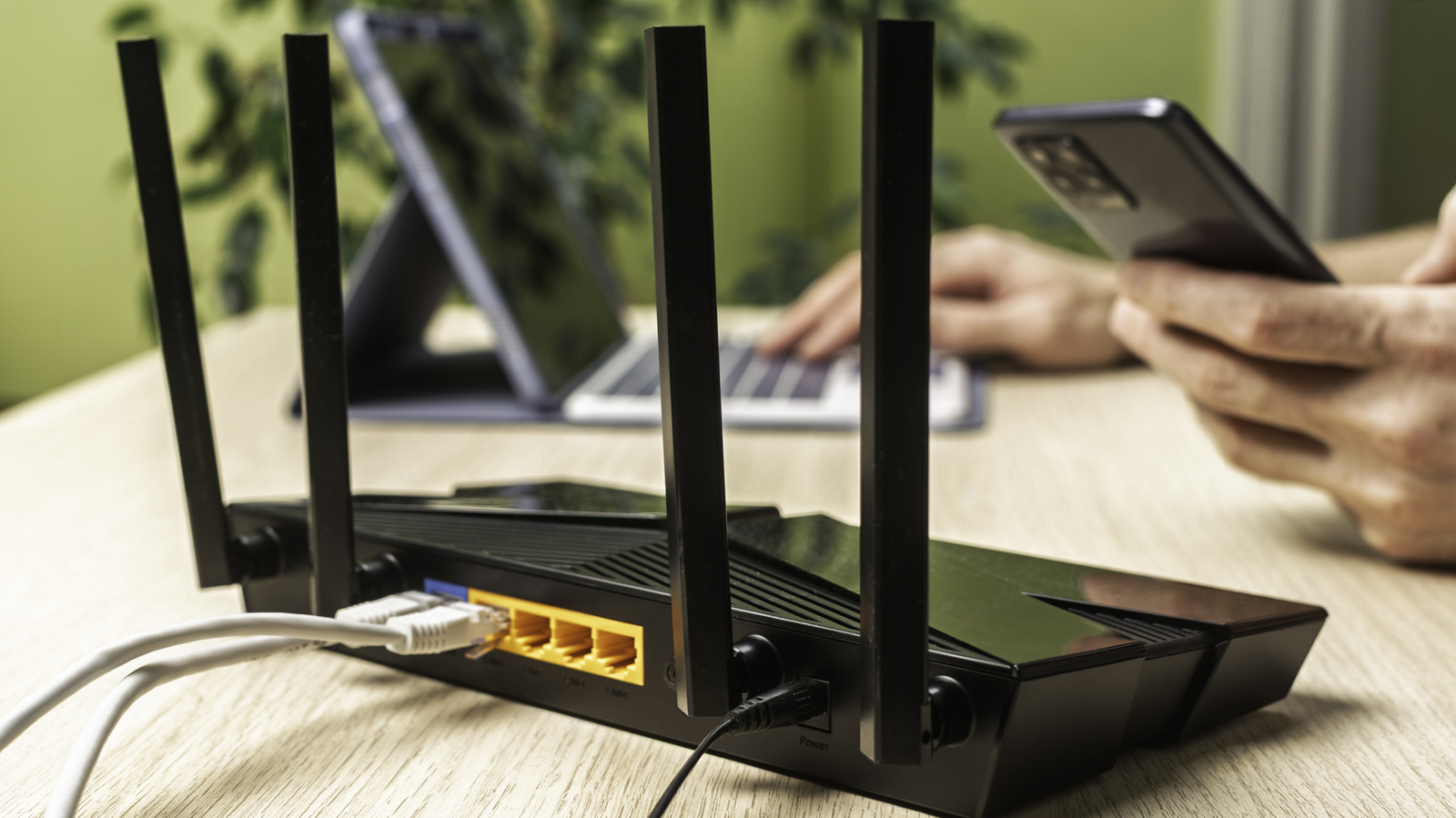
Routers are the first line of defense between your network and the internet, yet their default settings often leave them vulnerable to attacks. A few simple tweaks—like changing credentials, enabling WPA3, and disabling risky features—can significantly improve security. These steps are especially critical for startups and remote teams relying on home networks for business operations.
30 SEC SUMMARY
- Routers act as the gatekeeper between home networks and the internet, making security a critical priority.
- Default settings on routers often include weak credentials, easily discoverable SSIDs, and outdated security protocols.
- Key security improvements include enabling WPA3-Personal, disabling WPS, and setting up a guest network for smart devices.
- Regular firmware updates and periodic router restarts help mitigate security risks.
TABLE OF CONTENTS
- Default Settings Leave Routers Vulnerable
- SSID and Wi-Fi Security Best Practices
- Guest Networks and High-Risk Features
- Updates, Upgrades, and Simple Fixes
- What this means
- Key takeaways
- FAQ
- Sources
KEY HIGHLIGHTS
- Default router settings often include weak credentials, default SSIDs, and outdated security protocols like WPS.
- Enabling WPA3-Personal and disabling WPS significantly reduces vulnerabilities.
- Guest networks isolate smart home devices, limiting potential attack surfaces.
- Remote management features expose routers to internet-wide attacks and should be turned off.
- Regular firmware updates and periodic restarts help mitigate security risks.
Default Settings Leave Routers Vulnerable
Routers serve as the critical link between a home or small business network and the internet, making their security a foundational concern. According to Engadget, default settings on most routers are not optimized for security, leaving networks exposed to basic attacks. Many routers ship with predictable credentials, such as default admin usernames and passwords, which can be easily looked up online. While some manufacturers now use randomized default passwords, changing these credentials—and the network’s SSID—remains a critical first step in securing a router.
SSID and Wi-Fi Security Best Practices
A router’s SSID, or network name, often reveals its model or manufacturer, providing attackers with information to exploit known vulnerabilities. Engadget notes that using the router’s model name as the SSID is a common but risky practice. Instead, users should rename their network to something unrelated to the device or brand. Additionally, the Wi-Fi password should be strong and unique, ideally paired with the latest security protocol, WPA3-Personal. This standard is currently the most robust option available for protecting wireless networks.
Guest Networks and High-Risk Features
Guest networks are another underutilized tool for improving security. According to Engadget, these networks isolate connected devices from the main network, preventing them from communicating with each other or accessing shared resources. This is particularly useful for smart home devices, which have faced scrutiny over security and privacy flaws. By segregating these devices, users can limit the damage if one is compromised.
Wi-Fi Protected Setup (WPS) is a feature that simplifies connecting devices to a network but introduces significant security risks. Engadget emphasizes that WPS should be disabled, as it can be exploited to gain unauthorized access to the network. Similarly, remote management features—which allow users to access their router’s settings from outside the local network—should be turned off. These features expand the router’s attack surface, potentially exposing it to threats from across the internet.
Updates, Upgrades, and Simple Fixes
Firmware updates are essential for addressing known vulnerabilities in routers. Engadget reports that manufacturers regularly release patches to fix security flaws, and installing these updates promptly can prevent exploitation. However, not all routers receive timely updates, especially older models or those provided by ISPs. In such cases, upgrading to a third-party router—such as those running open-source firmware like DD-WRT or FreshTomato—can provide better control over security.
A simple but effective practice is restarting the router periodically. This can disrupt temporary malicious access, such as malware or unauthorized connections, and help maintain network stability. While it won’t replace more comprehensive security measures, it’s a quick way to mitigate certain risks.
What this means
Lazyfounder analysis — our interpretation, not reported fact.
For founders and operators, router security isn’t just a consumer issue—it’s a business vulnerability. Many startups rely on home networks for remote work, and a compromised router can expose sensitive data, internal communications, or even customer information. The steps outlined here are simple but effective, requiring minimal technical expertise and no additional cost. Ignoring these basics leaves gaps that even the most advanced cybersecurity tools can’t fully close. For startups building IoT or smart home products, the emphasis on guest networks and WPS vulnerabilities is particularly relevant. These products often become weak points in a network, and securing them should be a non-negotiable part of product design.
Key takeaways
- Default router settings are rarely optimized for security and should be changed immediately.
- WPA3-Personal is the strongest Wi-Fi security standard available and should be enabled.
- Guest networks isolate smart home devices, reducing the risk of lateral movement by attackers.
- WPS and remote management features introduce unnecessary vulnerabilities and should be disabled.
- Regular firmware updates and router restarts are simple but effective security practices.
FAQ
Why is WPA3 better than older Wi-Fi security standards?
WPA3-Personal introduces stronger encryption and protections against brute-force attacks, making it the most secure option for Wi-Fi networks currently available.
What are the risks of enabling WPS on a router?
WPS (Wi-Fi Protected Setup) simplifies device connections but is vulnerable to brute-force attacks. Disabling it reduces the risk of unauthorized access to your network.
How does a guest network improve security?
A guest network isolates connected devices from your main network, preventing them from accessing shared resources or other devices. This is particularly useful for smart home devices, which may have security flaws.
Why should remote management be disabled?
Remote management exposes your router’s login page to the internet, increasing the risk of attacks. Disabling it limits access to your local network only.
How often should I restart my router?
Restarting your router periodically—such as once a month—can help disrupt temporary malicious access and maintain network performance.
Related on Lazyfounder
Sources
- Engadget · 2026-09-27
How To Improve Your Router's Security In 10 Minutes
This story is an original summary drafted with AI by Lazyfounder from the reporting listed above and checked by automated validation. Facts are attributed to their original publishers; sections marked as analysis are Lazyfounder's. Where a source is in another language, facts were machine-translated and quotations are reported, not reproduced. Read the original coverage via the links, and see our AI policy and corrections policy.
About the author
Editor, Lazyfounder
Tarun Mottlia edits LazyFounders, covering Indian startups, funding rounds, AI and product launches. Every story on the site is AI-assisted and checked against its cited sources before publication.
More stories by Tarun MottliaGet the LazyFounder Brief
Startup, funding and AI news in a five-minute read. Join the early-access list.
