
How to Use Google’s Find Hub to Locate a Lost Android Device
Losing a phone or tablet can be a stressful experience, but Google’s Find Hub offers a way to locate missing Android devices quickly. The tool provides features like offline tracking, remote locking, and even factory resets to protect user data. For founders and operators, understanding how such features work can offer insights into designing secure and user-friendly products.
LazyFounders
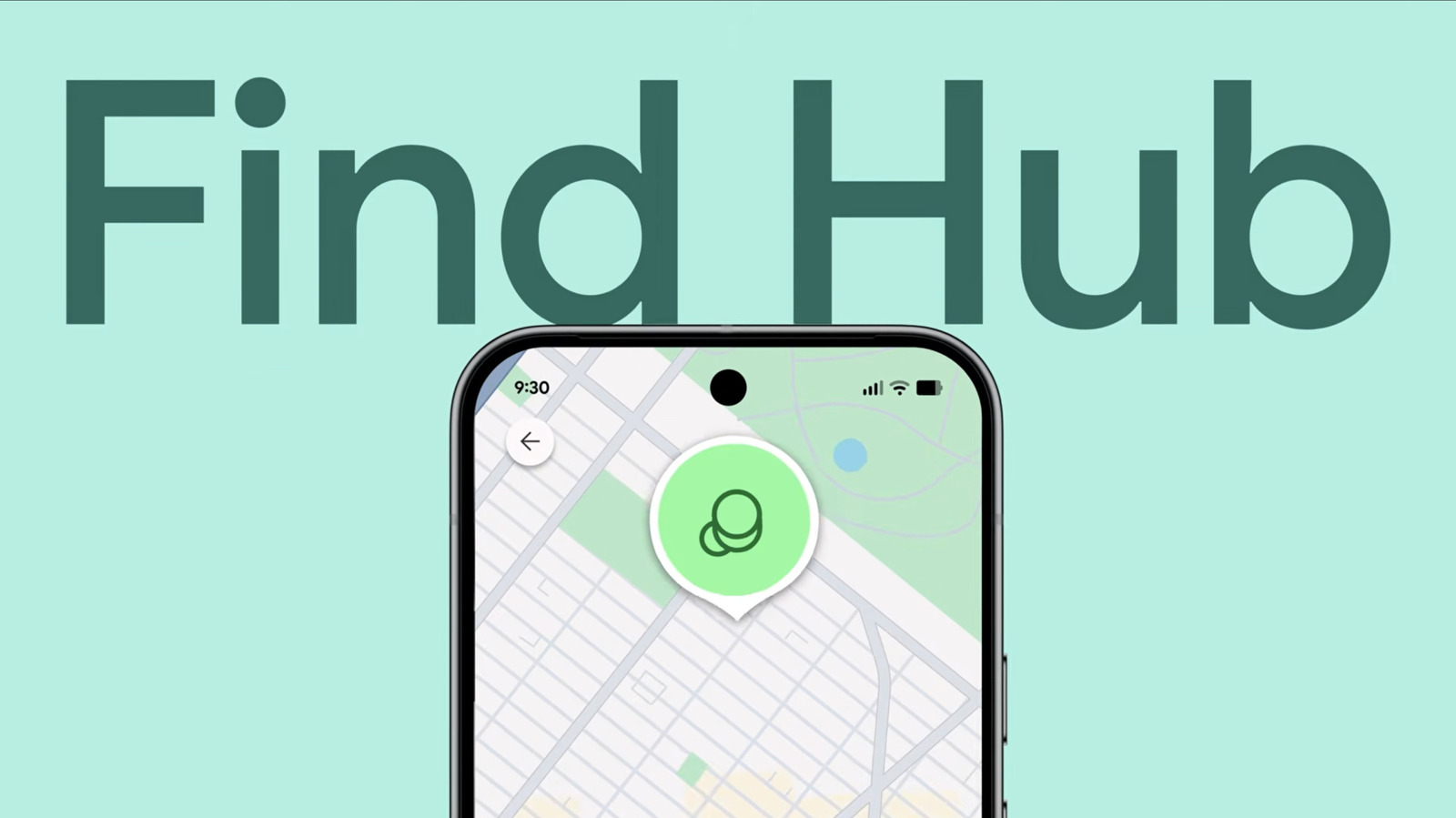

Losing a phone or tablet can be a stressful experience, but Google’s Find Hub offers a way to locate missing Android devices quickly. The tool provides features like offline tracking, remote locking, and even factory resets to protect user data. For founders and operators, understanding how such features work can offer insights into designing secure and user-friendly products.
30 SEC SUMMARY
- Google’s Find Hub is a tool for locating lost Android devices, including phones, tablets, and accessories.
- To use Find Hub, devices must have location services enabled and be linked to a Google account.
- Offline Finding allows users to see the last recorded location of a device, even if it’s offline.
- Newer Pixel phones can be tracked for hours after being turned off.
- Users can remotely play a sound, lock, or factory reset their device via Find Hub.
TABLE OF CONTENTS
- How Find Hub Works
- Offline Finding and Extended Tracking
- Remote Actions and Security Features
- What this means
- Key takeaways
- FAQ
- Sources
KEY HIGHLIGHTS
- Find Hub allows users to locate Android devices via a browser or another Android device.
- Location services and a Google account must be enabled for tracking to work.
- Offline Finding shows the last recorded location of a device, even if it’s offline.
- Newer Pixel phones can be tracked for hours after being turned off.
- Users can remotely play a sound, lock, or factory reset their device.
How Find Hub Works
According to Engadget, Google’s Find Hub is a tracking network designed to locate missing Android devices, including phones, tablets, and accessories. The tool can be accessed through a browser on a computer or smartphone, eliminating the need for another Android device.
To use Find Hub, the missing device must have location services enabled and be linked to a Google account. Without these settings, the tool cannot pinpoint the device’s location.
Offline Finding and Extended Tracking
Engadget reports that Find Hub includes an Offline Finding feature, which displays the last recorded location of a device even if it is offline or unable to connect to a network. This is particularly useful for devices that may have run out of battery or been intentionally powered down.
For newer Pixel phones, Find Hub can reportedly track the device for several hours after it has been turned off. This extended tracking capability relies on residual battery power and Google’s network of nearby Android devices.
Remote Actions and Security Features
Users can take several remote actions via Find Hub, according to Engadget. One option is to play a sound on the missing device, which can help locate it if it’s nearby—even if the device is set to silent.
Another feature is the ability to mark a device as lost, which locks it with the user’s PIN, pattern, or password. For devices running Android 17 and above, this action can also enable two-step verification for added security. However, Engadget notes that displaying contact information on the lock screen could expose users to phishing attempts or scams.
As a last resort, users can remotely initiate a factory reset, which permanently deletes all data on the device to prevent unauthorized access.
What this means
LazyFounders analysis — our interpretation, not reported fact.
For founders and operators, Google’s Find Hub is a practical example of how built-in device security features can double as product differentiators. While the tool primarily serves consumers, it also highlights the importance of integrating robust security and recovery options into hardware and software products. For startups working on IoT or connected devices, this underscores the value of designing for loss prevention and user trust from the ground up.
Additionally, the ability to remotely secure or wipe a device is a critical feature for enterprise customers, particularly in industries with strict data compliance requirements. Startups building B2B solutions should note how Google balances usability with security, as this could inform their own product strategies.
Key takeaways
- Google’s Find Hub is accessible via a browser or another Android device for locating lost devices.
- Location services and a Google account are required for Find Hub to function.
- Offline Finding provides the last known location of a device, even if it’s offline.
- Newer Pixel phones can be located hours after being powered off.
- Remote actions include playing a sound, locking the device, or performing a factory reset.
FAQ
What is Google’s Find Hub?
Find Hub is a tracking service developed by Google that allows users to locate lost Android devices, including phones, tablets, and accessories. It can be accessed via a browser or another Android device.
What are the requirements for using Find Hub?
To use Find Hub, the missing device must have location services enabled and be linked to a Google account. Without these settings, the tool cannot track the device.
Can Find Hub locate a device that is offline?
Yes, Find Hub includes an Offline Finding feature that shows the last recorded location of a device, even if it is offline. Newer Pixel phones can also be tracked for several hours after being turned off.
What actions can I take remotely using Find Hub?
Users can remotely play a sound on the device, mark it as lost (which locks it and enables two-step verification for added security), or perform a factory reset to erase all data.
Is Find Hub available for non-Android devices?
Find Hub is primarily designed for Android devices, but some features, like location tracking for Wear OS devices, may also be supported.
Related on LazyFounders
Sources
- Engadget · 2026-09-22
How To Use Google's Find Hub To Locate Your Android Phone
This story is an original summary and analysis written by LazyFounders from the reporting listed above. Facts are attributed to their original publishers; sections marked as analysis are LazyFounders's opinion. Where a source is in another language, facts were machine-translated and quotations are reported, not reproduced. Read the original coverage via the links.
