
Anti-Aliasing in PC Games: Performance Trade-Offs Explained
Anti-aliasing is a key graphics technique in PC gaming, designed to smooth jagged edges and improve visual quality. However, the method chosen can significantly impact GPU performance and the overall gaming experience. For founders and operators in gaming, hardware, or software, understanding these trade-offs is essential for optimizing products and user experiences.
LazyFounders
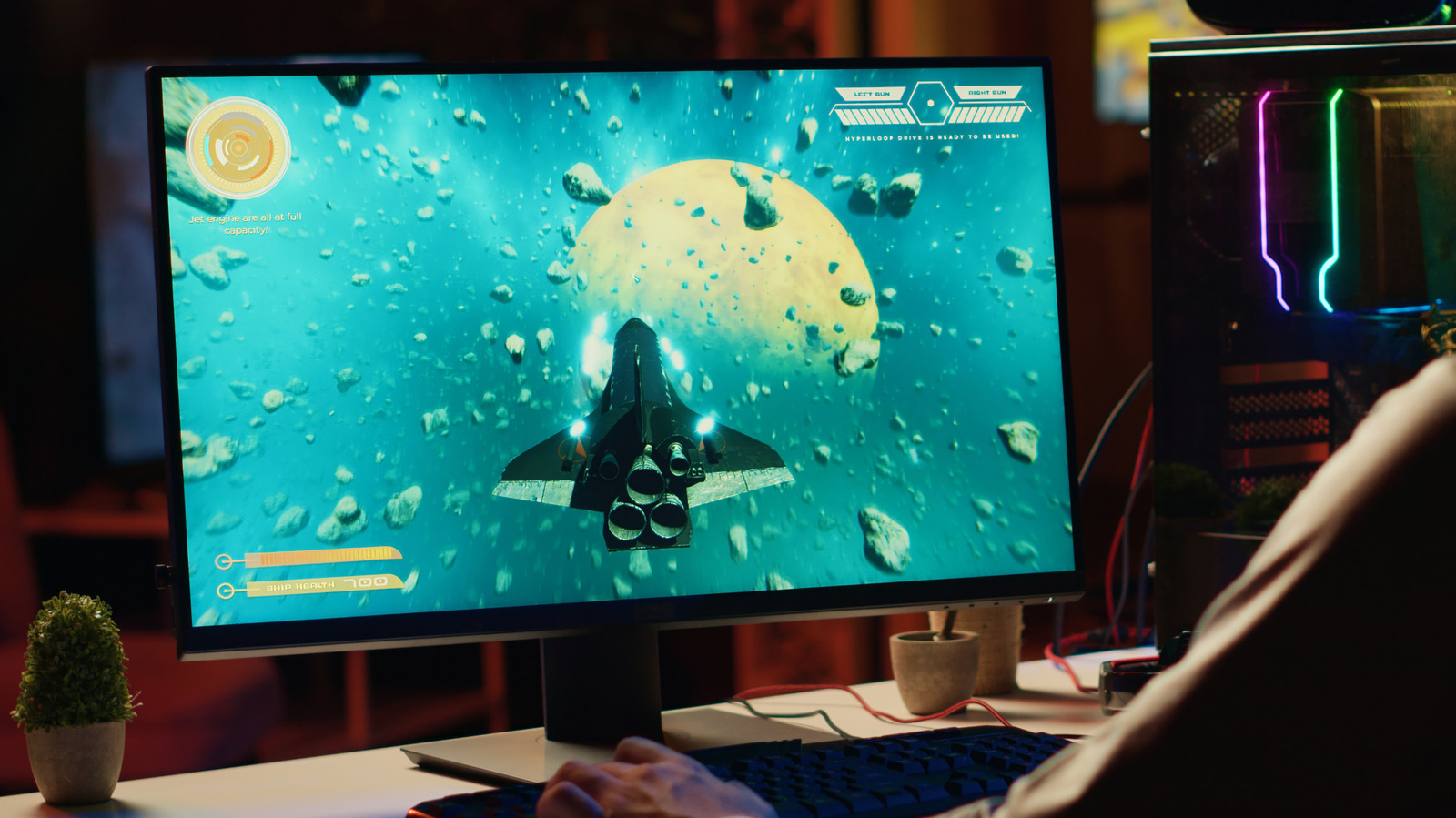

Anti-aliasing is a key graphics technique in PC gaming, designed to smooth jagged edges and improve visual quality. However, the method chosen can significantly impact GPU performance and the overall gaming experience. For founders and operators in gaming, hardware, or software, understanding these trade-offs is essential for optimizing products and user experiences.
30 SEC SUMMARY
- Anti-aliasing improves visual quality in PC games by smoothing jagged edges in graphics.
- Different anti-aliasing methods (e.g., MSAA, FXAA, TAA, DLAA) have varying impacts on GPU performance and visual fidelity.
- Some techniques, like SSAA, are highly effective but demand significant GPU resources.
- Post-process methods like FXAA and SMAA balance performance and visual quality.
- Disabling anti-aliasing can boost performance in GPU-limited scenarios, such as competitive gaming.
TABLE OF CONTENTS
- What Is Anti-Aliasing?
- How Different Methods Work
- Performance vs. Visual Quality
- When to Use—or Disable—Anti-Aliasing
- What this means
- Key takeaways
- FAQ
- Sources
KEY HIGHLIGHTS
- Anti-aliasing smooths jagged edges in PC games, improving visual quality but varying in performance impact.
- SSAA is highly effective but extremely demanding on GPU resources.
- MSAA focuses on geometry edges but may not address texture aliasing.
- FXAA and SMAA are post-process methods that balance performance and visual quality.
- TAA uses previous frames to smooth edges but can cause softness or ghosting.
- NVIDIA, AMD, and Intel offer advanced anti-aliasing modes for native resolution.
What Is Anti-Aliasing?
Anti-aliasing is a graphics technique used in PC games to reduce jagged edges, or "aliasing," in rendered images. According to Engadget, it works by smoothing the appearance of edges to improve visual quality, but different methods come with trade-offs in performance and results.
How Different Methods Work
The most resource-intensive method is supersampling anti-aliasing (SSAA), which renders the image at a higher resolution before downsampling it to the final output. Engadget reports that SSAA is extremely taxing on GPUs, often leading to lower frame rates and performance issues. This makes it less practical for real-time gaming, though it remains one of the most effective ways to eliminate aliasing.
Another widely used technique is multisample anti-aliasing (MSAA), which focuses on sampling the edges of geometry rather than the entire image. While this reduces the performance cost compared to SSAA, Engadget notes that it may not address aliasing in textures or transparent surfaces. Some game engines, like Epic’s Unreal Engine, only support MSAA with specific renderers, such as the forward renderer.
Performance vs. Visual Quality
For gamers prioritizing performance, fast approximate anti-aliasing (FXAA) is a post-process method that smooths edges after the frame is rendered. According to Engadget, FXAA is lightweight but can soften image details, making it a common choice for competitive or fast-paced games. Subpixel morphological anti-aliasing (SMAA), another post-process technique, uses edge and pattern detection to retain sharper visuals while keeping performance costs low.
Temporal anti-aliasing (TAA), which uses information from previous frames to smooth edges, is another popular method. Engadget reports that TAA can minimize crawling and shimmering effects but may introduce softness or ghosting when frames don’t align cleanly. This makes it a strong option for single-player or cinematic experiences but less ideal for competitive gaming.
When to Use—or Disable—Anti-Aliasing
In GPU-limited scenarios, such as competitive shooters, Engadget suggests that disabling anti-aliasing altogether can improve performance. However, this comes at the cost of visual fidelity, as jagged edges may become more noticeable. For users with high-end hardware, advanced modes like NVIDIA’s DLAA (Deep Learning Anti-Aliasing), AMD’s Native AA, and Intel’s XeSS Native Anti-Aliasing provide optimized solutions at native resolution.
What this means
LazyFounders analysis — our interpretation, not reported fact.
For founders and operators in gaming, hardware, or software development, anti-aliasing is a critical lever for balancing performance and visual quality. The choice of method depends on the target audience: competitive gamers may prioritize frame rates over pristine visuals, while single-player or narrative-driven games might benefit from smoother edges and advanced techniques.
Understanding these trade-offs can inform product decisions, such as default graphics settings, hardware recommendations, or even API integrations for engine developers. For example, a startup building a cloud gaming service might disable resource-intensive methods like SSAA to optimize server costs, while a GPU manufacturer could highlight efficiency gains from newer techniques like DLAA or XeSS.
Ultimately, anti-aliasing is not a one-size-fits-all solution, and its implementation should align with the user experience goals of the product.
Key takeaways
- Anti-aliasing smooths jagged edges in PC games but varies in performance impact and visual results.
- SSAA is the most demanding method, often unsuitable for real-time gaming.
- MSAA focuses on geometry edges but may not address texture aliasing.
- Post-process methods like FXAA and SMAA offer a balance between performance and visual quality.
- TAA uses previous frames for smoothing but can introduce softness or ghosting.
- Disabling anti-aliasing can improve performance in GPU-limited scenarios.
- Hardware manufacturers like NVIDIA, AMD, and Intel provide optimized anti-aliasing solutions for native resolution.
FAQ
What is the most demanding anti-aliasing method?
Supersampling anti-aliasing (SSAA) is the most demanding method, as it renders the image at a higher resolution before downsampling it. This often leads to lower frame rates and performance issues, making it impractical for most real-time gaming scenarios.
Which anti-aliasing method is best for competitive gaming?
For competitive gaming, fast approximate anti-aliasing (FXAA) or disabling anti-aliasing altogether is often preferred. FXAA is lightweight and maintains performance, while disabling it can further boost frame rates in GPU-limited scenarios.
What are the limitations of MSAA?
Multisample anti-aliasing (MSAA) focuses on smoothing the edges of geometry but may not address aliasing in textures, materials, or transparent surfaces. It is also only supported by specific renderers, such as Unreal Engine’s forward renderer.
How does TAA work, and what are its drawbacks?
Temporal anti-aliasing (TAA) uses information from previous frames to smooth edges and reduce shimmering effects. However, it can introduce softness or ghosting when frames don’t align cleanly, making it less ideal for fast-paced or competitive games.
Do hardware manufacturers offer optimized anti-aliasing solutions?
Yes, hardware manufacturers like NVIDIA, AMD, and Intel provide advanced anti-aliasing modes for native resolution. Examples include NVIDIA’s DLAA, AMD’s Native AA with FSR, and Intel’s XeSS Native Anti-Aliasing.
Related on LazyFounders
Sources
- Engadget · 2026-09-22
What Does Anti-Aliasing Actually Do To Your PC Games?
This story is an original summary and analysis written by LazyFounders from the reporting listed above. Facts are attributed to their original publishers; sections marked as analysis are LazyFounders's opinion. Where a source is in another language, facts were machine-translated and quotations are reported, not reproduced. Read the original coverage via the links.
